How to redeem a Gift Card in POS
Last updated: May 10, 2026
Using a client's gift card for a purchase is a straightforward process for a POS operator. This document outlines the steps to follow
To use a gift card for a purchase in POS, customers can present either a physical gift card with a barcode, a digital gift card with a QR code, or provide the gift voucher number verbally.
- The POS operator will add items to the cart as usual and proceed by pressing the Checkout button

- Select Gift card / Session voucher
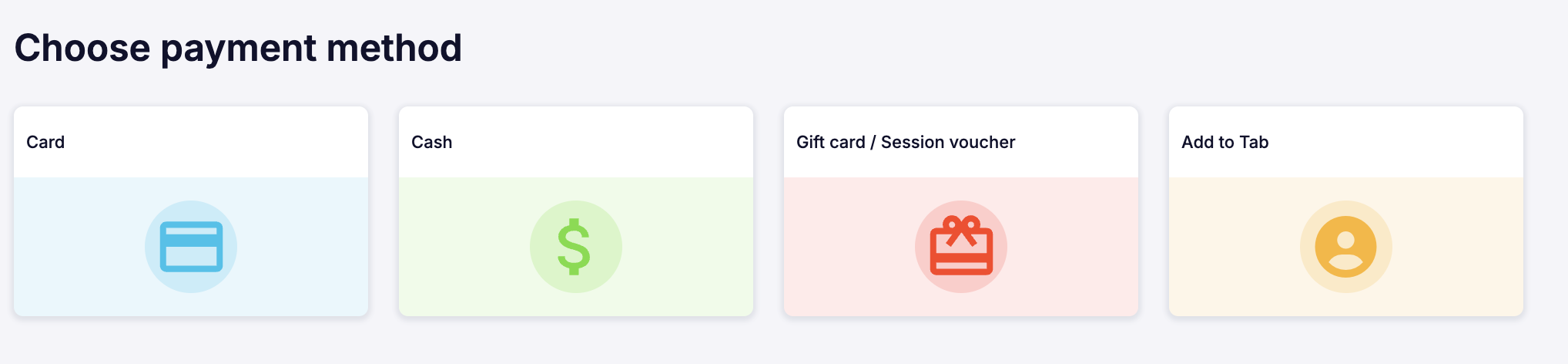
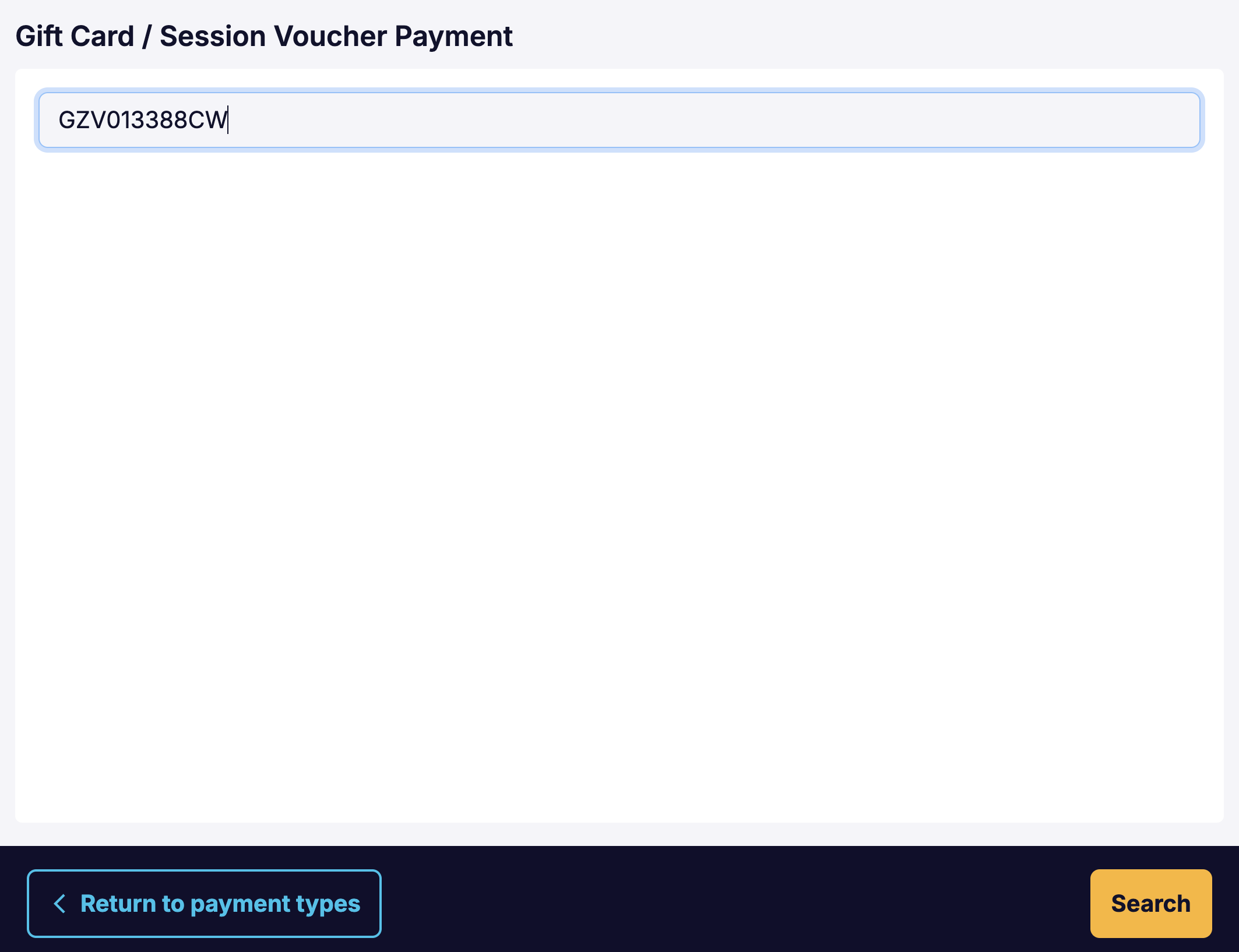
A window will pop up where the Gift Card number or Barcode can be entered.
If your venue utilises a scanner, the gift card can be scanned.
Press the Search button.
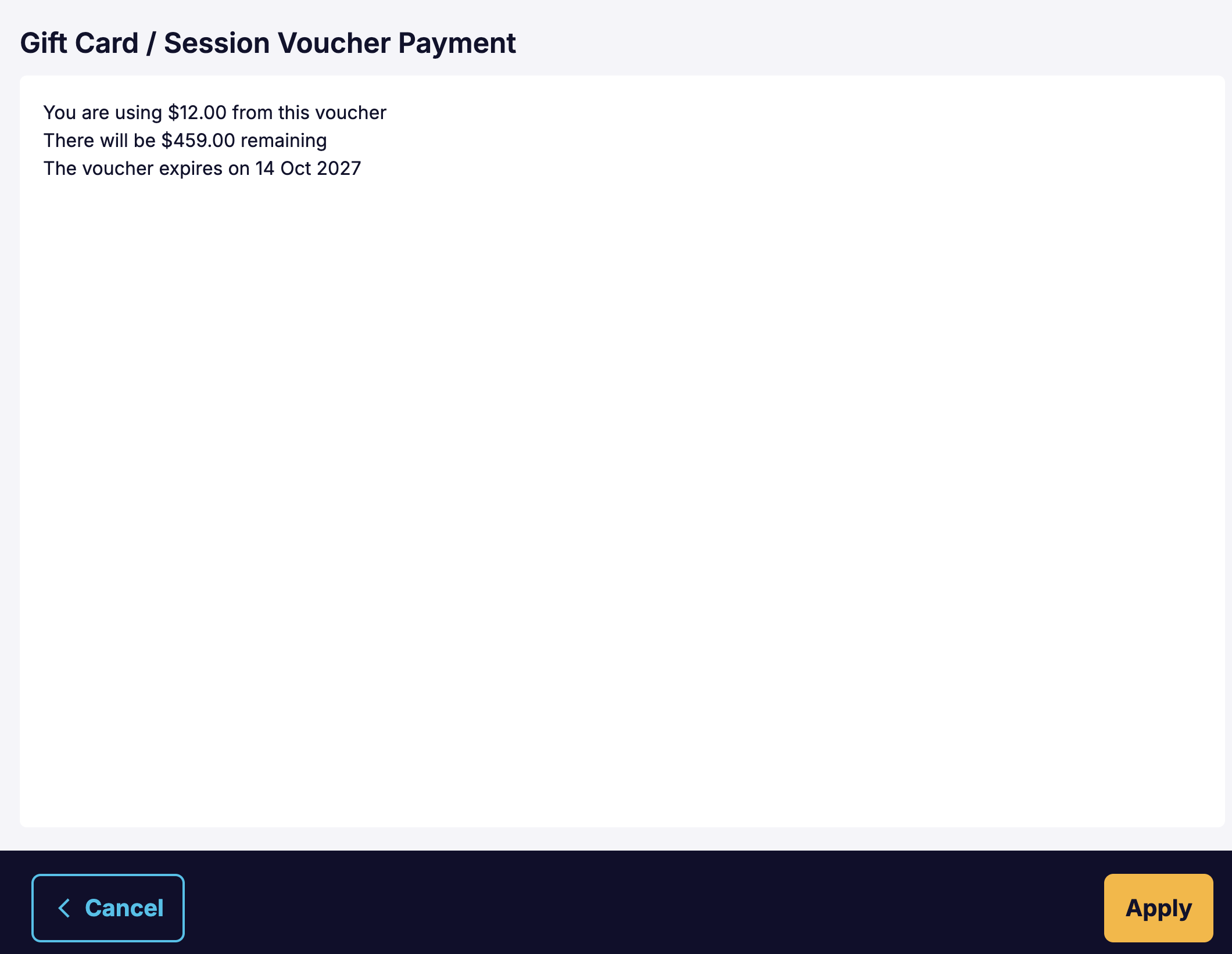
A pop up window will show the gift card balance.
Press Apply
- Press Create Order
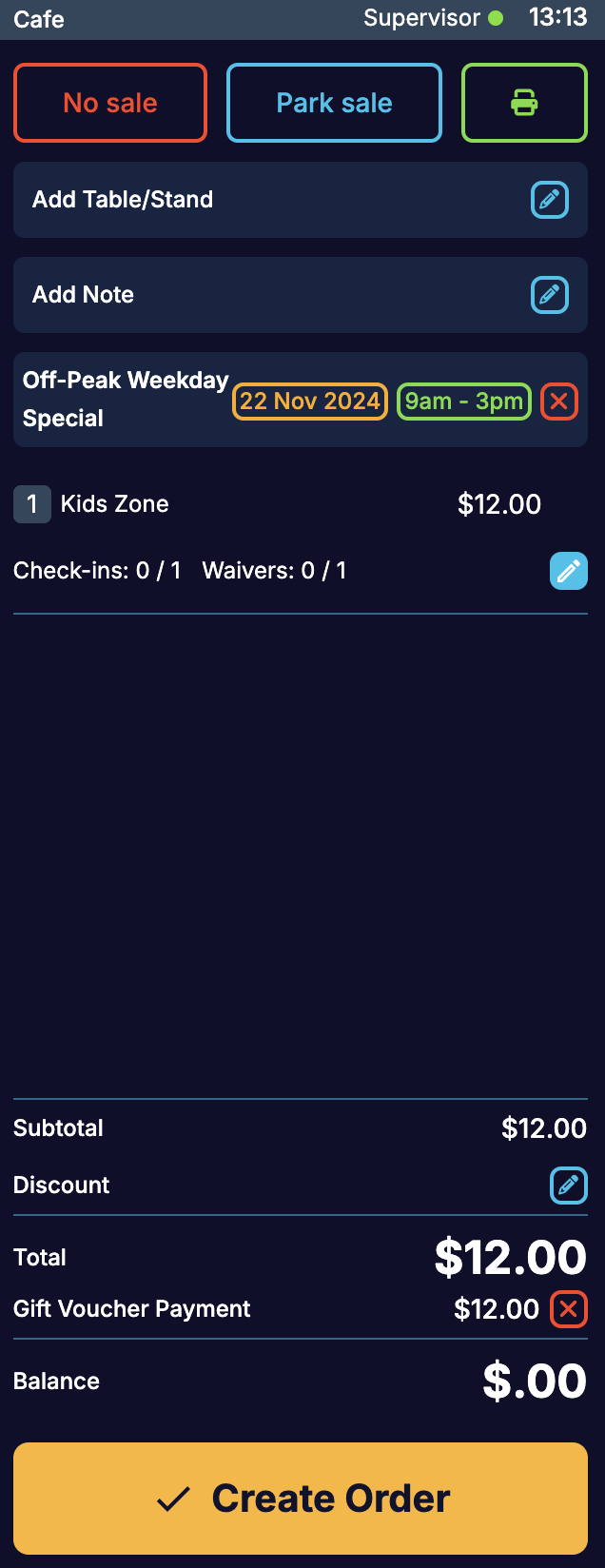
- The receipt will show that payment was made using a Gift Voucher.
