How to pay for a birthday party booking & add extras via POS
Last updated: May 9, 2026
If your party booking needs to pay the balance of their party or add extras on the day of the party, this can be done through the point of sale (POS).
To do this, follow the steps below:
- Open up the POS

- Go to "Check in"

- Type in the booking number of the party booking, make sure the 'Use Scanner' toggle is turned 'OFF' and click the magnify glass to search.

- If you would like to add guests or extras you can do so by clicking 'Add Items'
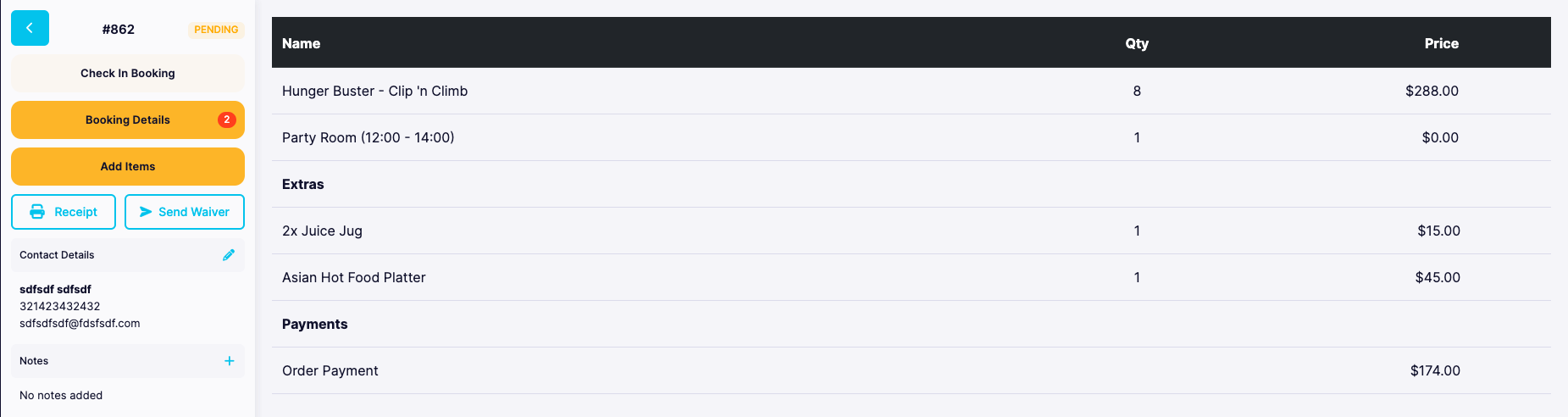
- Click and party booking and click "Charge"
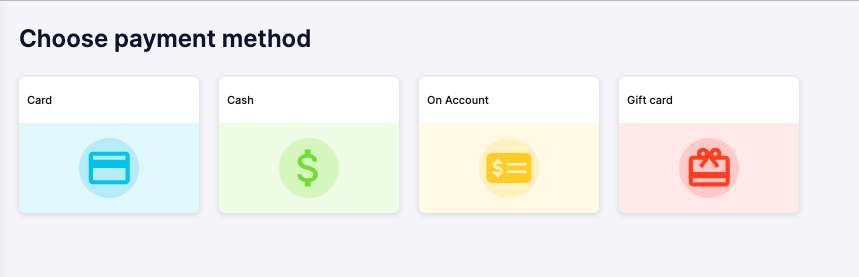
- Follow the prompts to complete transaction