How to email receipt to customer after POS transaction has happened
Last updated: May 9, 2026
Sending email receipts to customers after a point-of-sale (POS) transaction is a seamless way to provide them with a convenient record of their purchase. In this guide, we'll walk you through the simple steps to complete this process.
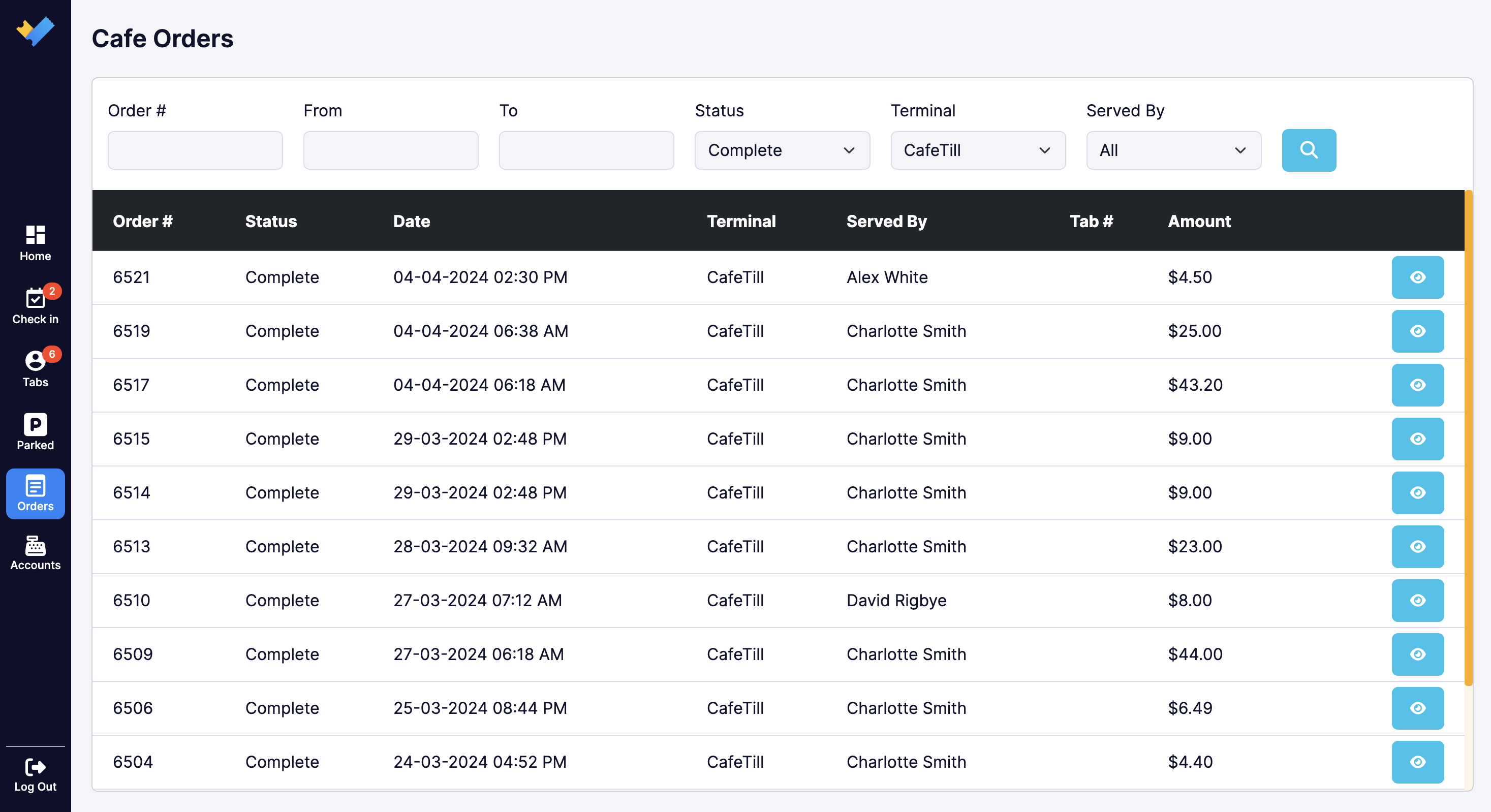
- Identify the POS transaction that requires a reciept. Go to Orders> Select the order by clicking blue eye icon on the right.

- Indentify the order number. This is displayed on the top left of the order summary screen.
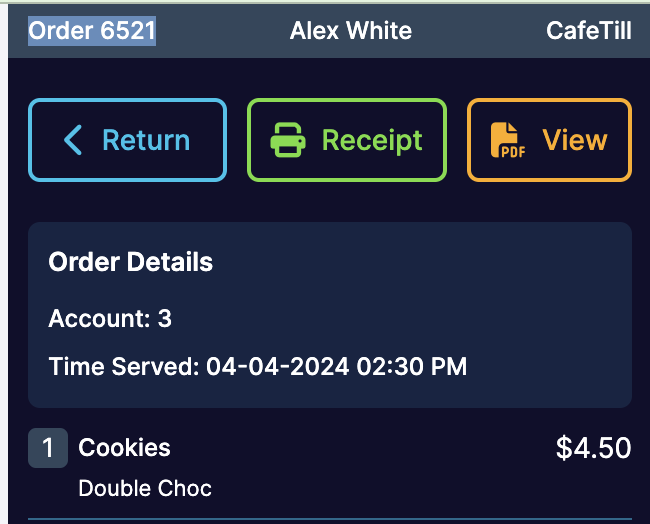
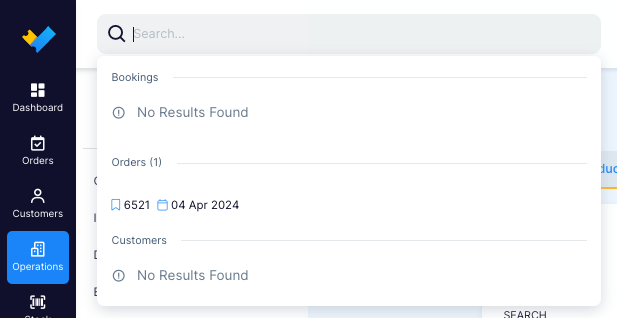
- Login to the back office. Look up the order number in the back office via the global search bar.
- In 'Order Summary' click 'Actions' and then 'Edit Contact Details'.
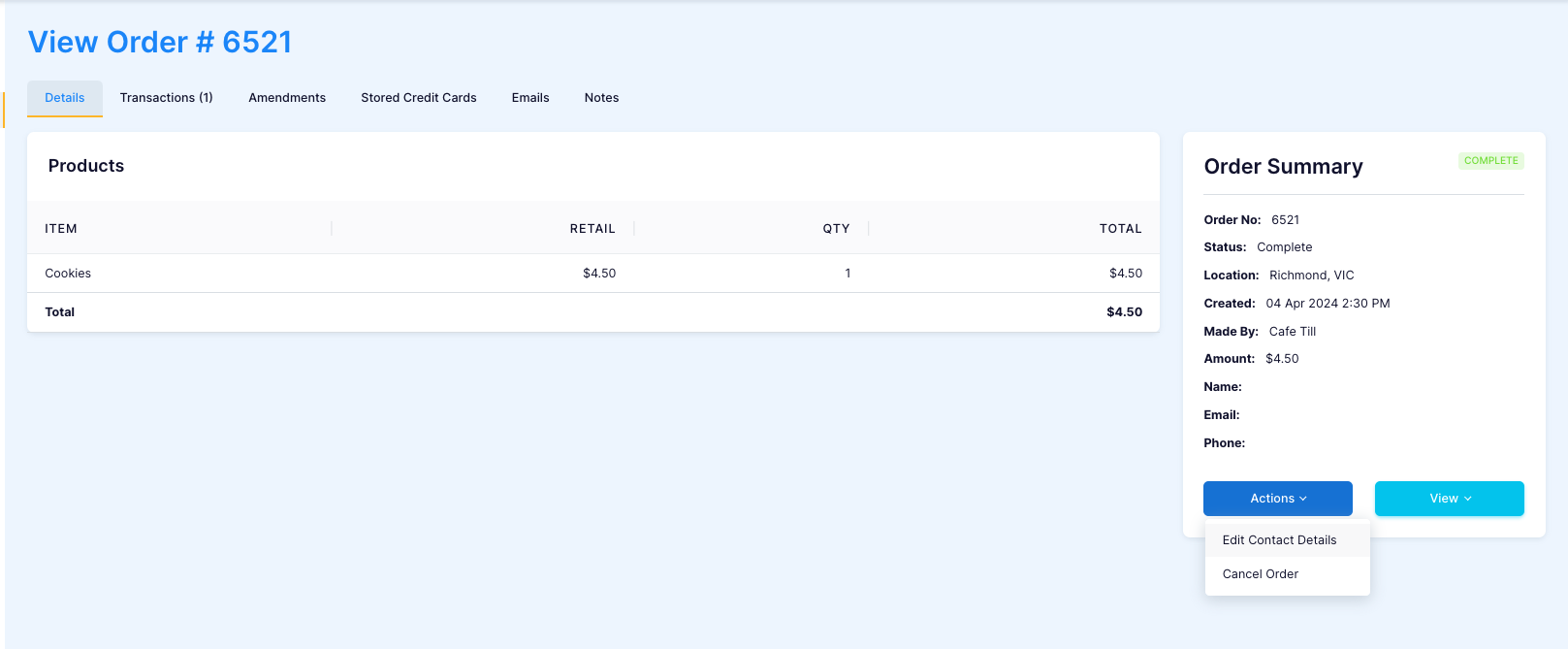
Fill out customers 'Personal Details', make sure email has been entered correctly.

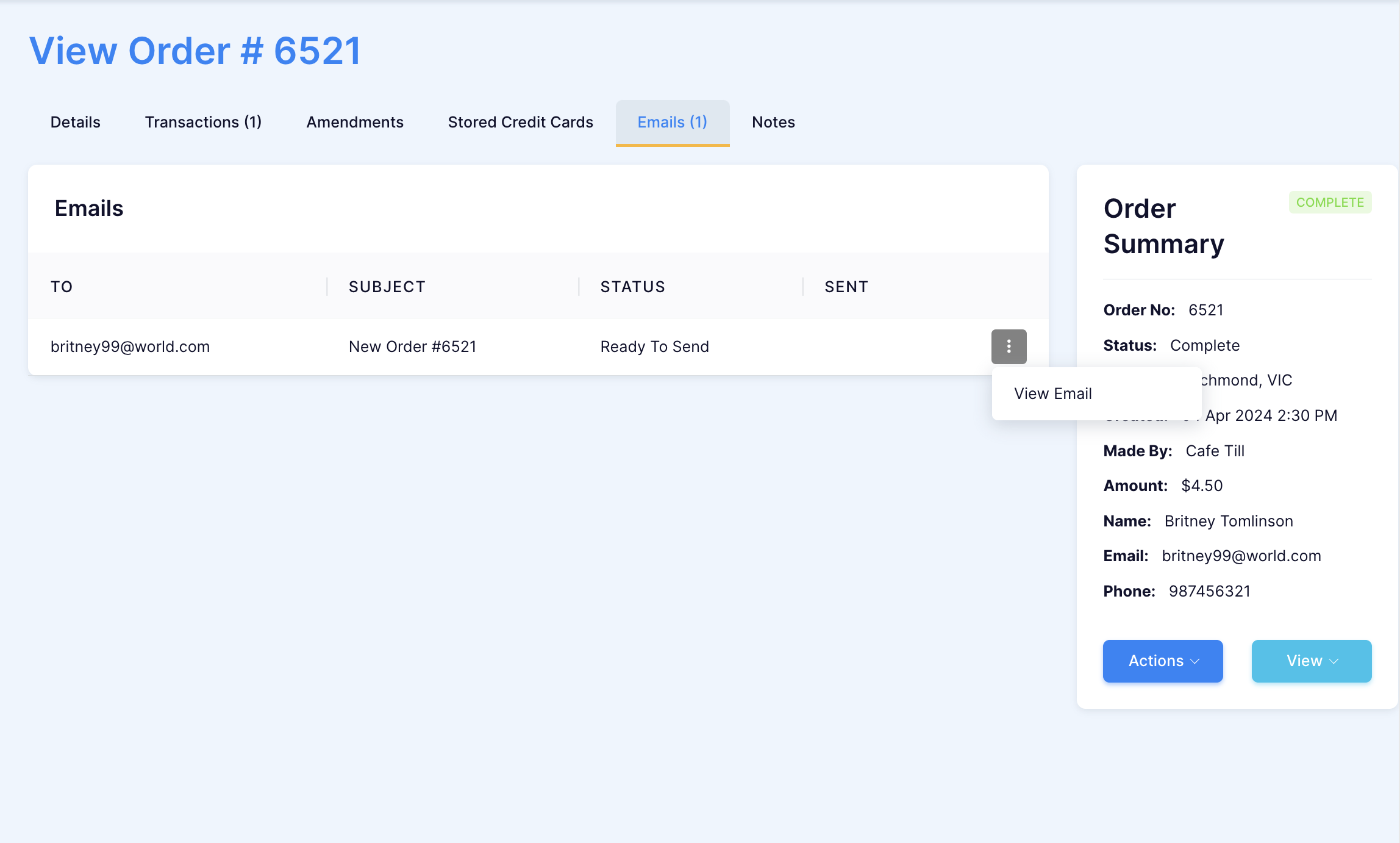
- In 'Order Summary' click 'Actions' and then 'Resend Email'.
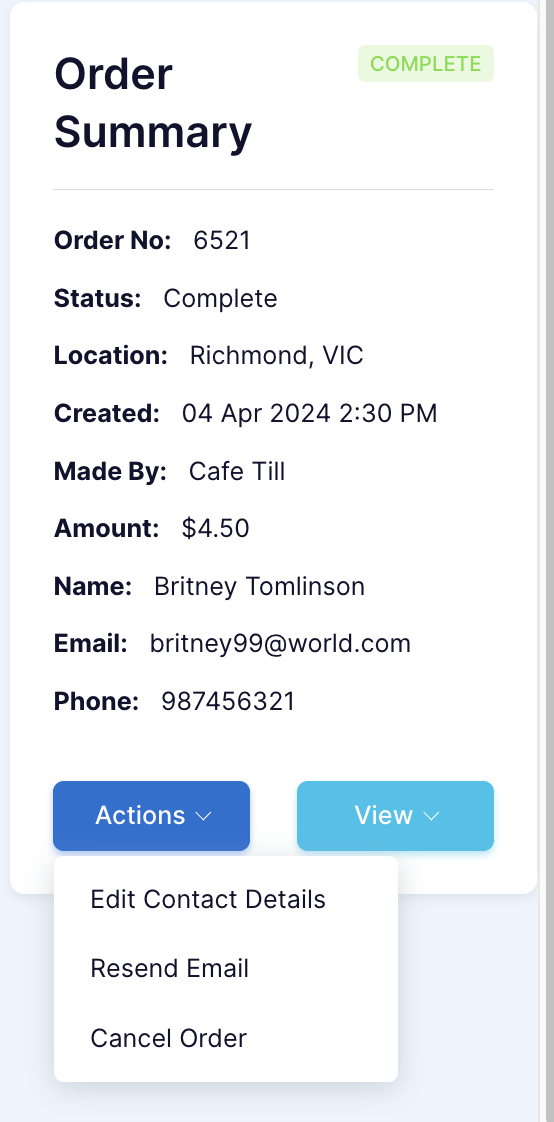
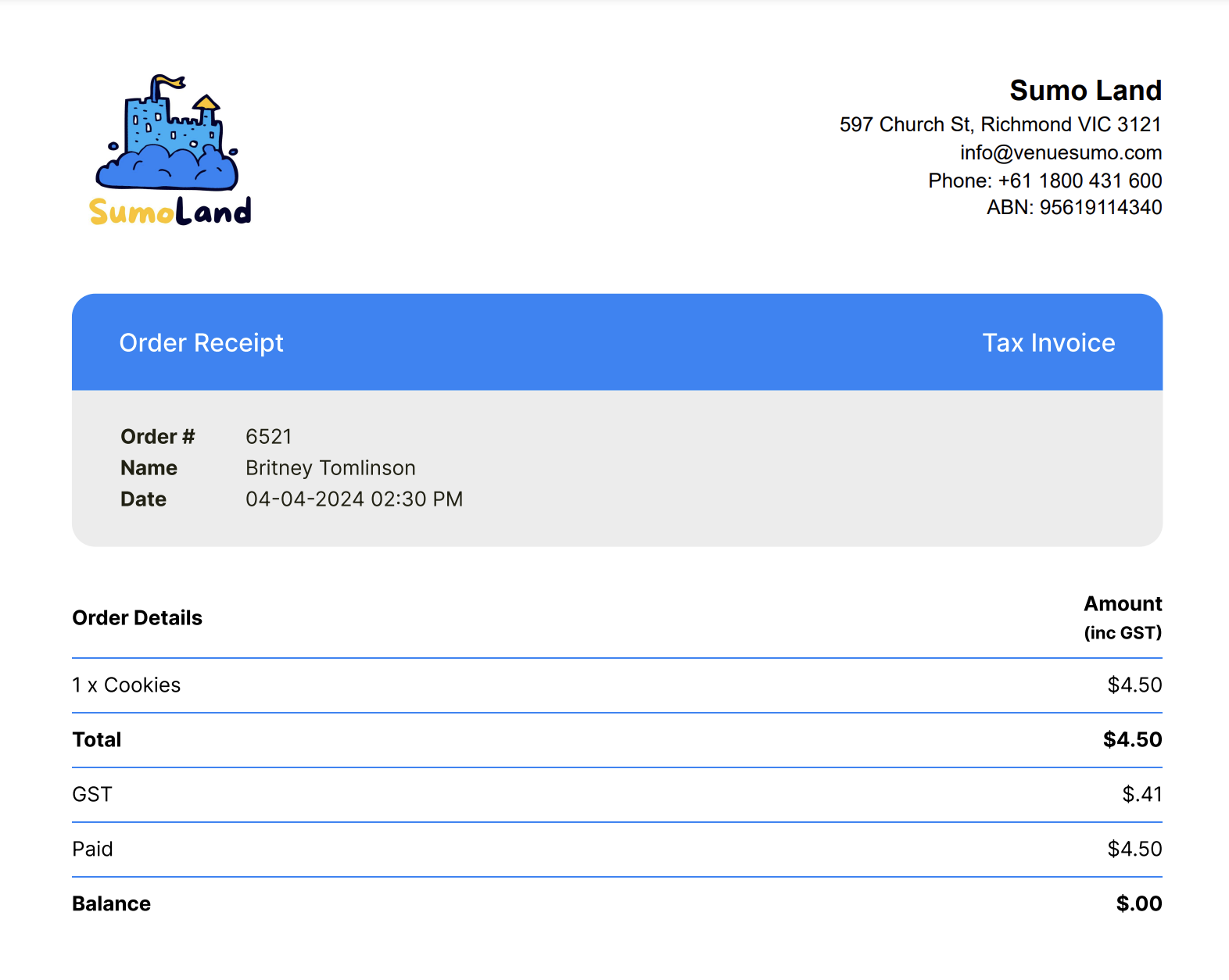
- Click 'View Email' to check your work!