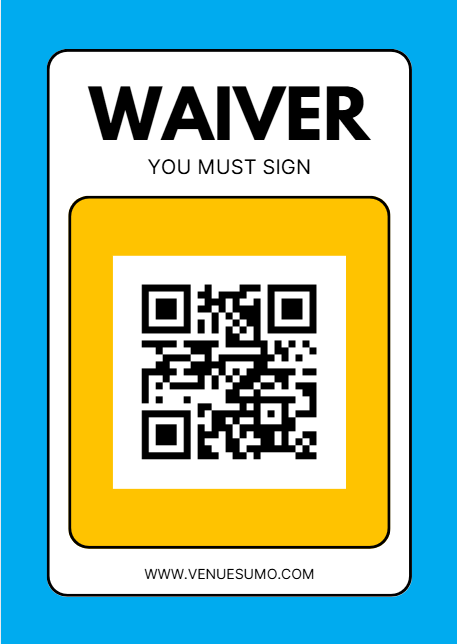
How to Generate a Kiosk QR Code for your Waiver
Last updated: May 10, 2026
If you want to generate a QR that links to your online waiver, you can do so by following the steps below:
- Copy and paste the link to your 'Booking Site Waiver Form'.
- Add "/kiosk/" in between "app" & "form" on the link, see example below:
https://demo2book.venuesumo.app/form/?FormID=1&LocationID=1
Change to:
https://demo2book.venuesumo.app/kiosk/form/?FormID=1&LocationID=1
- Use QR Code Monkey to generate your code and select your preferred QR Code.
- You can now download and print your QR Code.
Create a QR Code Poster
You can create a Waiver Poster with a QR code that links to your venues waiver form.
Use the same steps as above and instead use the non-kiosk version of your Waiver URL, E.g.
https://demo2book.venuesumo.app/form/?FormID=1&LocationID=1
You can use QR Code Monkey to generate your code and select your preferred QR Code.