How to apply a discount
Last updated: May 9, 2026
1. You can apply a discount by clicking the "+" icon.
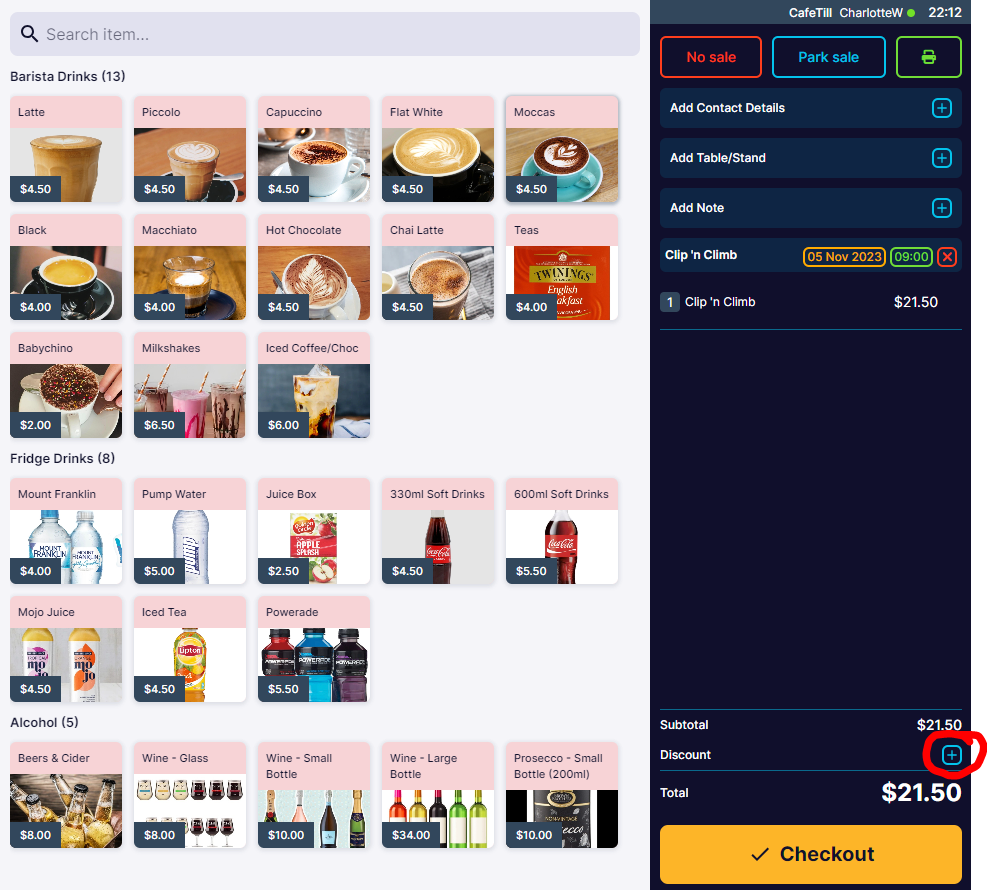
This will display the preset discounts that can be added to sales.

"Manual Discount" allows you to apply either a "$" or "%" amount to a sale.
You can also add a note with a reason for adding the discount to the order.
Manual discounts require "Supervisor PIN".

You can set discounts to require Supervisor PIN to restrict useage.
