How to edit/float takings, cash adjustments, finalise shift
Last updated: May 9, 2026
In the right-sidebar menu click on "Accounts".
"Till Summary Report" (Also known as "X Report") button
- Print a till summary report to the thermal printer
"Cash Drawers Report" button
- Print the current takings for all active terminal logins
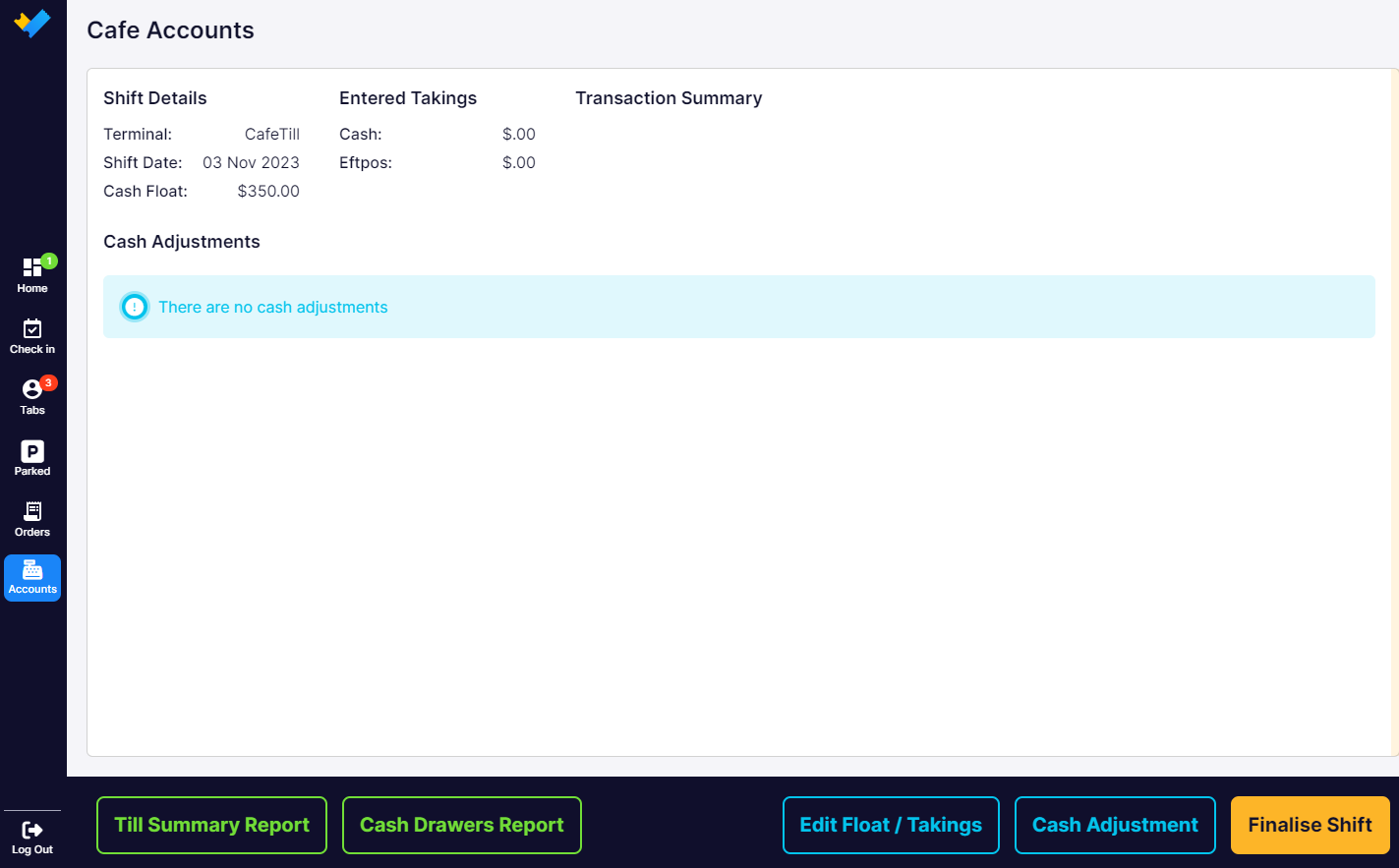
"Edit Float / Takings" button
- Change cash float amount
- Enter all cash takings counted in till (including float amount).
- Enter cash or payment terminal taking before finalising the shift

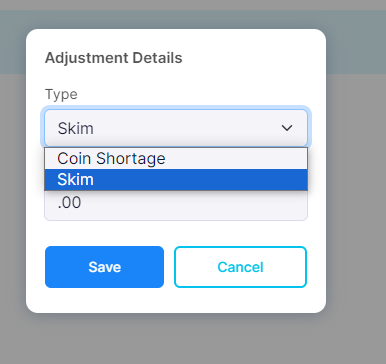
"Cash adjustment" button
- Add cash or remove cash from the cash drawer with a reason (eg coin shortage or skim)
"Finalise shift (Also known as "Z Report")" button
Close the shift and print a till summary report to the thermal printer.
