How to apply a Membership Food & Beverage discount in POS
Last updated: May 9, 2026
- Customer purchases café items and requests their membership discount
- The POS Operator clicks on a small discount icon on the bottom right of the screen which then displays a list of available discounts
- They click on the relevant discount, then search for the customer
- Only customers with the membership applicable to the discount selected will be displayed
- The operator will see the client's image on the screen to confirm the customer is the registered member
Click on the Discount Icon:

Click on the discount applicable to the membership:

Selecting a discount opens a screen to verify the customer holds an eligible memberships:

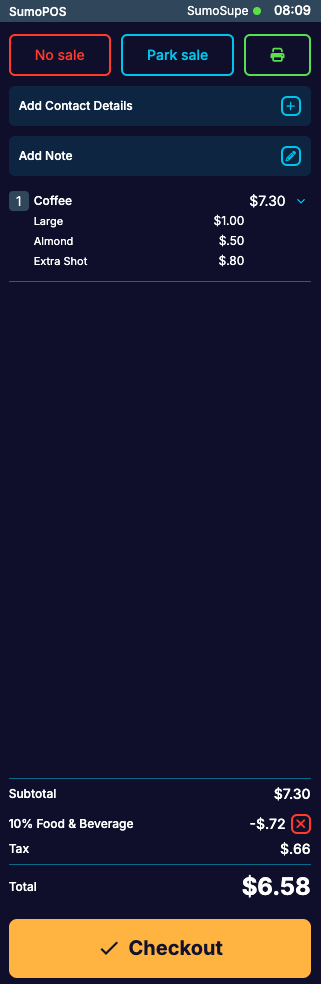
The discount is applied: