NewBook How to refund or reverse a charge to room
Last updated: May 9, 2026
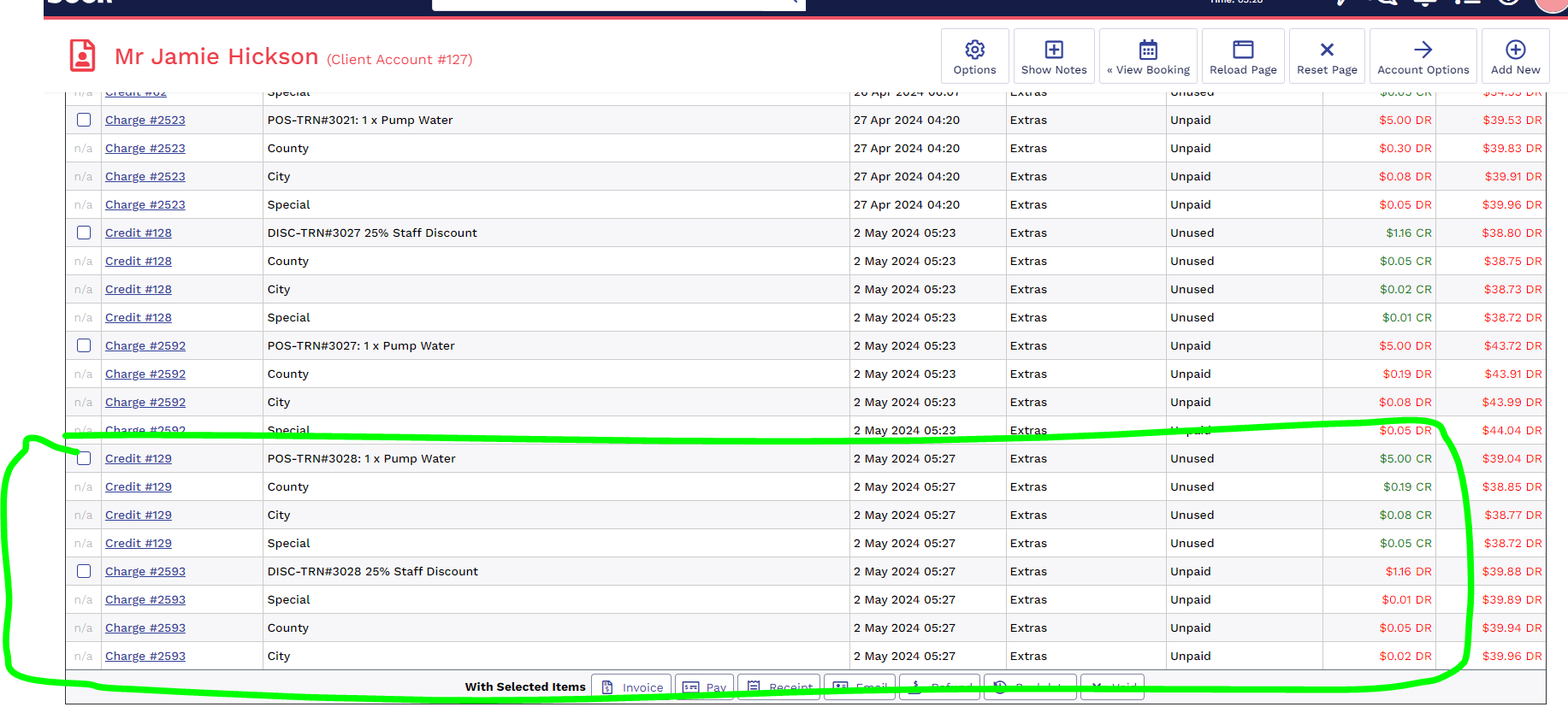
- Identify Booking you would like to refund, note in this example will also explain for to refund a charge to room with a disocunt attached.
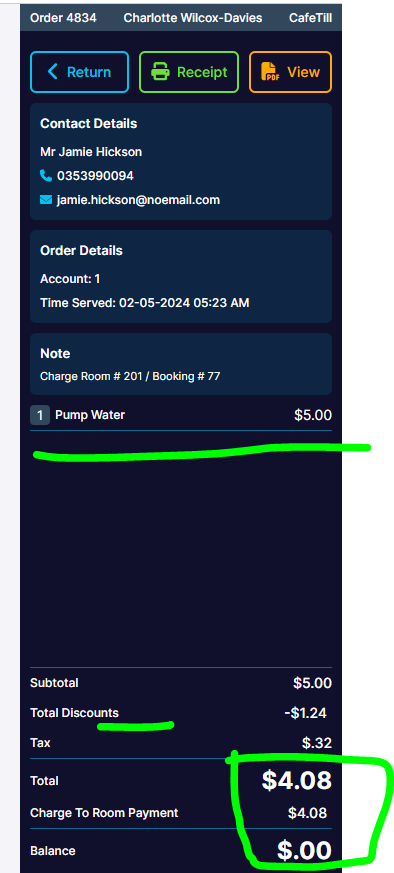
- Identify the charge and discount (if any) in Newbook.
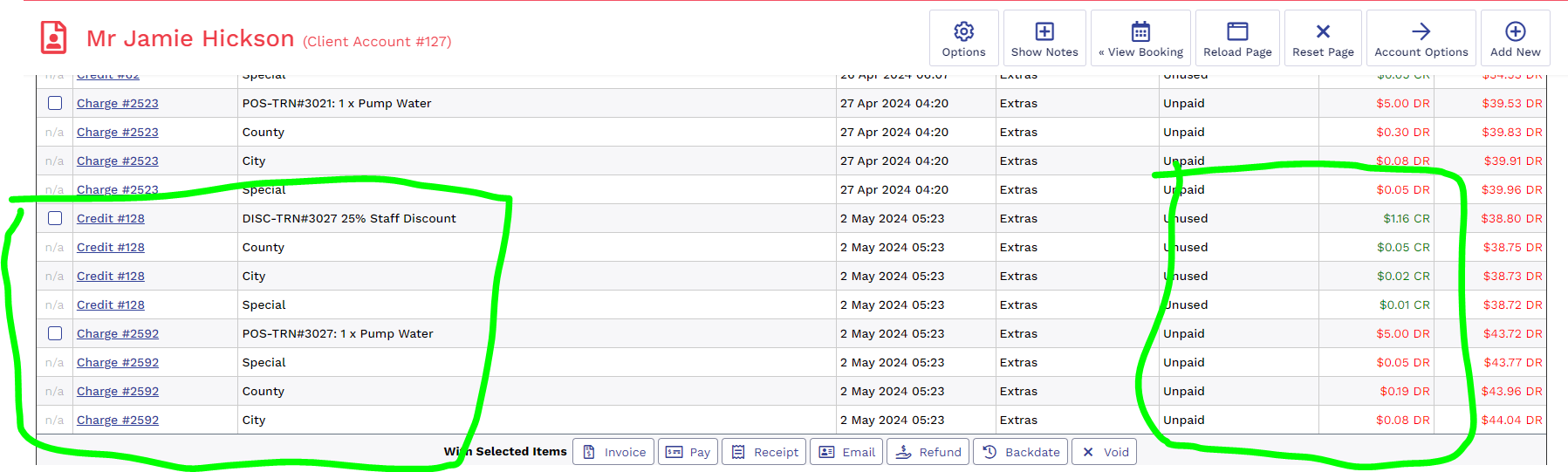
- On VenueSumo POS switch 'Return mode' toggle to on, the POS should turn red.
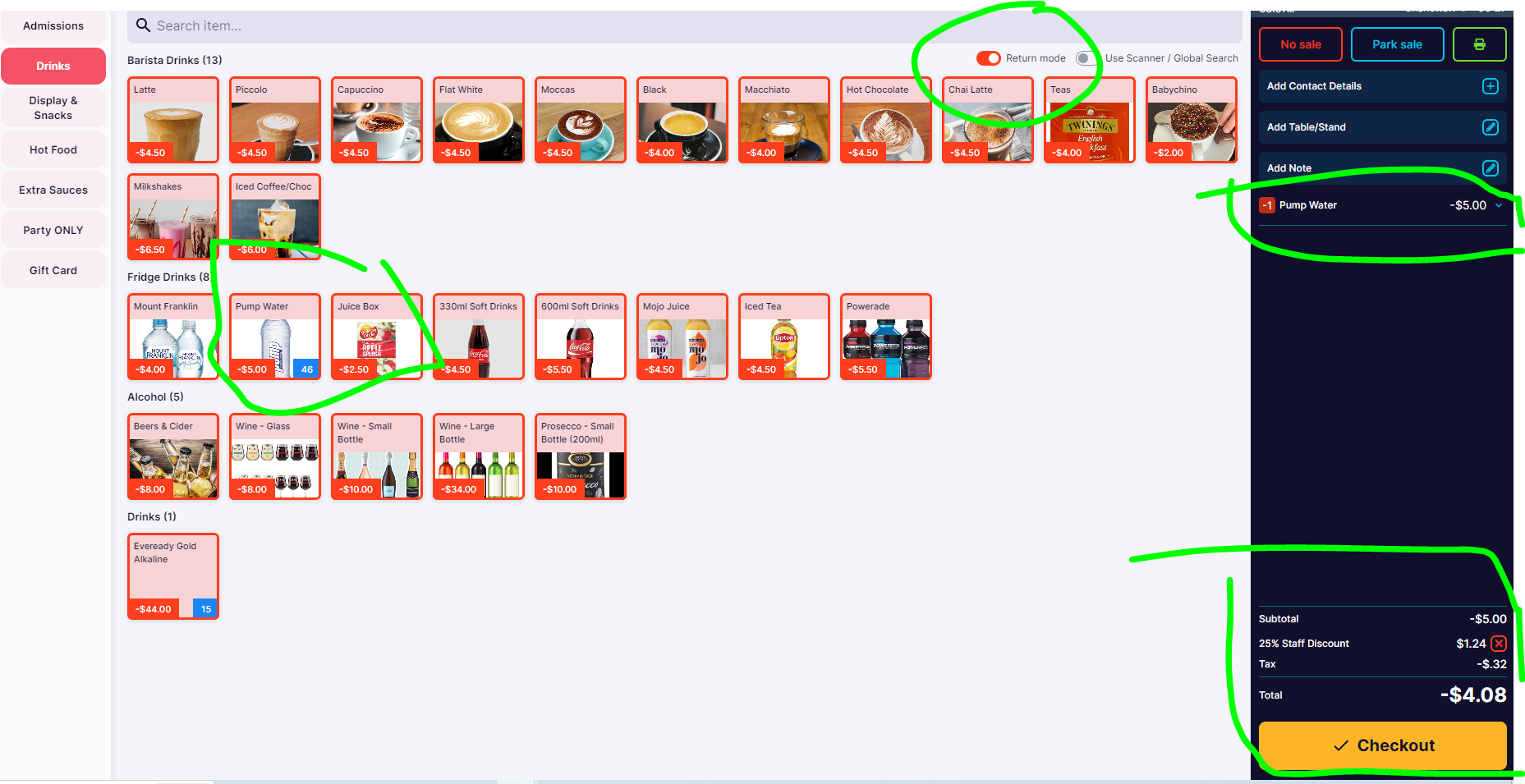
- Select check out & check NewBook to view the reverse charge.