How to check-in a guest with a paper Waiver
Last updated: May 10, 2026
Firstly, to enable Paper Waivers, go to Settings > Global Configurations and ensure that DISABLE PAPER WAIVER is set to NO.

In the POS, add your Admission ticket to the checkout and click "Add ticket holder".
Select "+ New Customer"
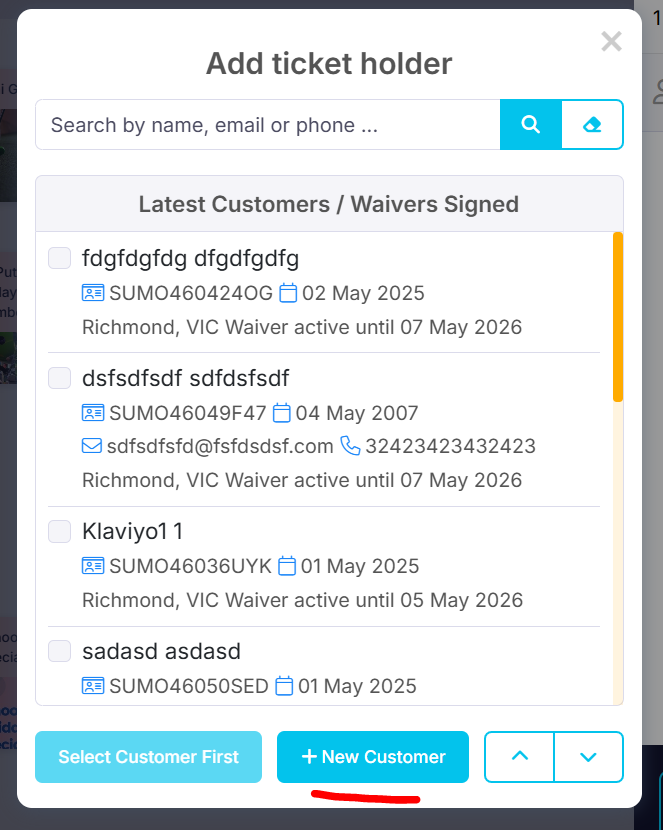
Complete the First Name, Last Name, Phone and Email fields.

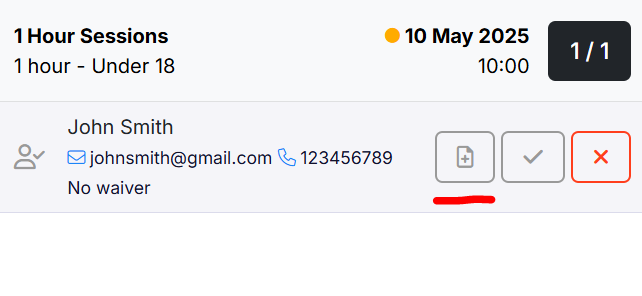
Click the add waiver icon.
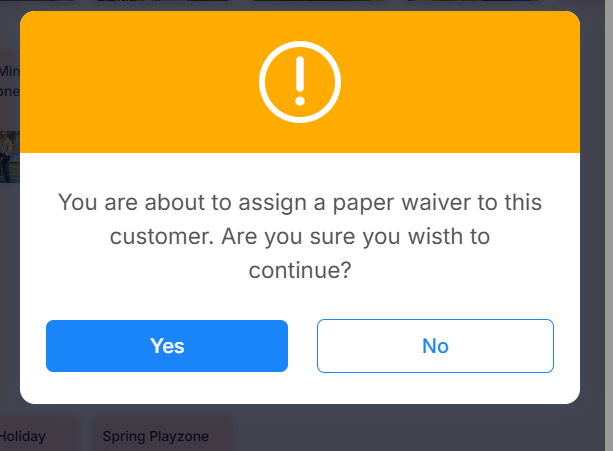
Agree to assign a Paper Waiver to the customer.
The paper waiver icon will turn green when successful.
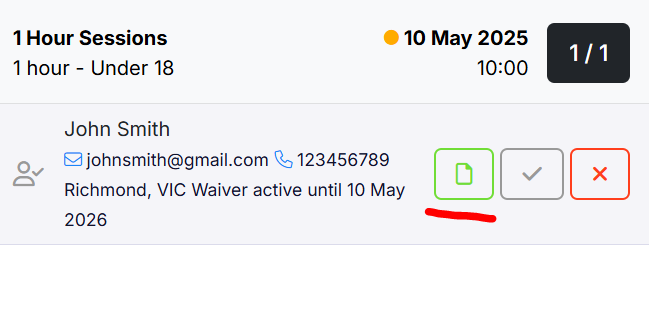
Click the grey tick to turn it green and close the popup. You have successfully added a paper waiver.
