Create an Unlimited Members Only Session
Last updated: May 9, 2026
Please note that if you create a linked facility with unlimited access, but also have another linked facility with a weekly limit, the limit applies to both. It's not possible to have one unlimited and one limited linked members facility in the same membership.
Navigate to Operations > Facilities
Create the Facility as per normal but ensure FOR MEMBERS = Yes
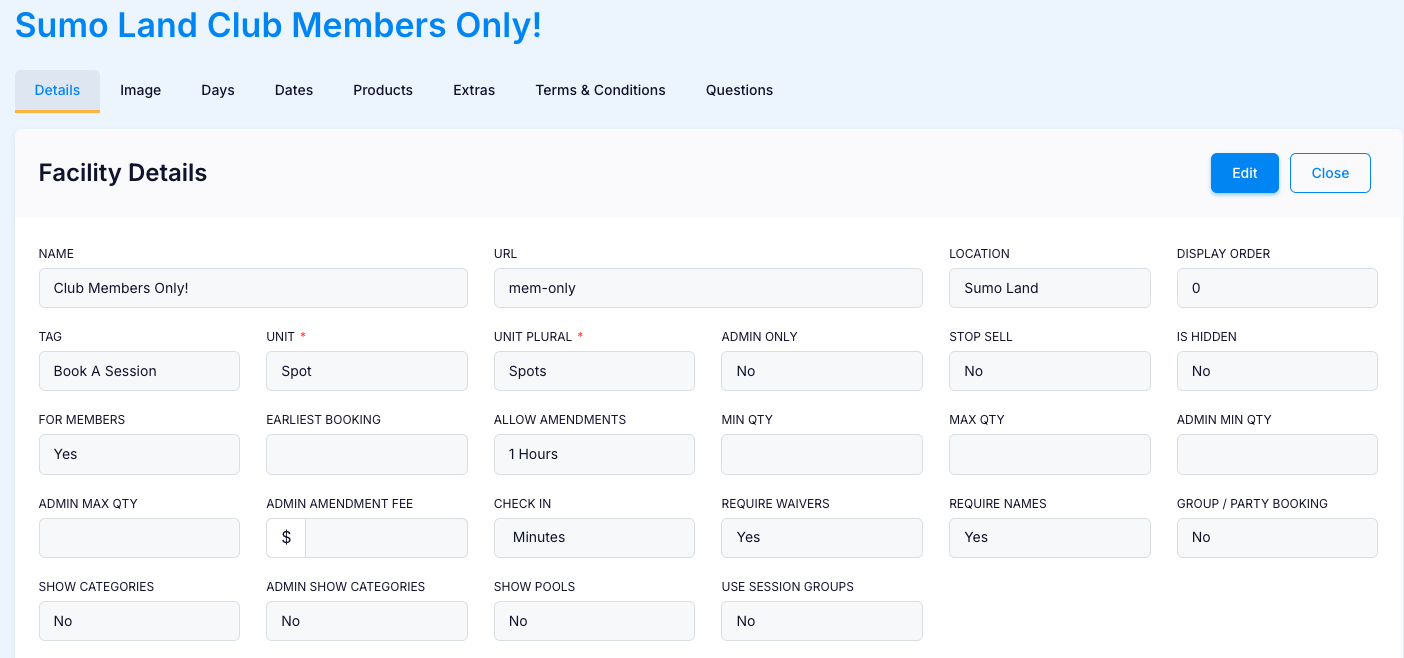
Navigate to Operations > Memberships and select the membership that will include this linked facility
Scroll down to LINKED FACILITIES and Link the Members Facility, ensuring LIMIT USAGE is set to NO

When displayed online, the Facility will have a Lock symbol next to it:
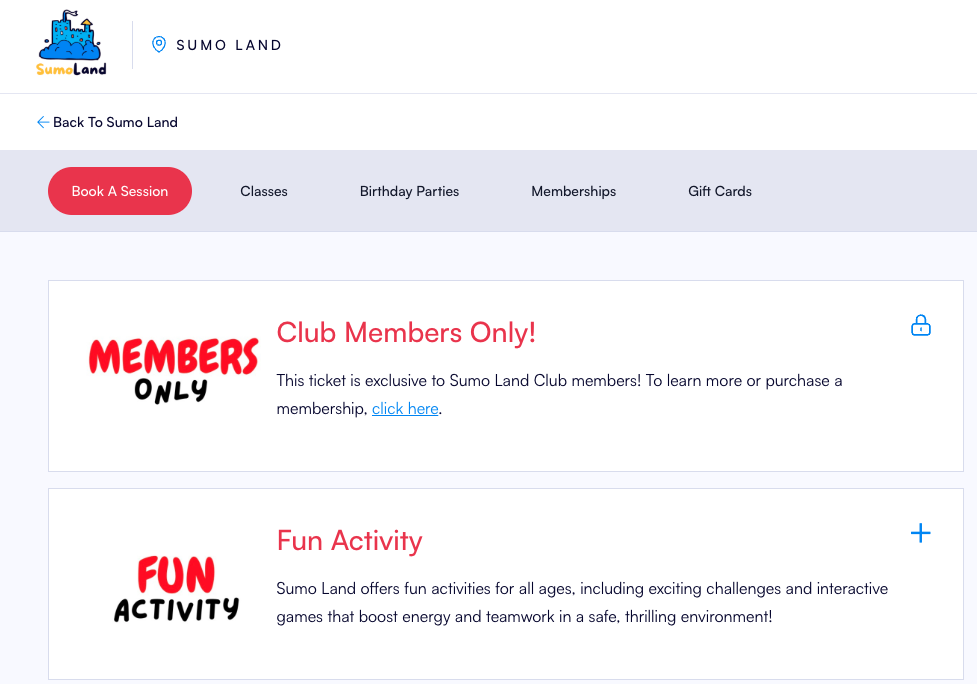
Customers will be required to enter their membership number to purchase this ticket:
