How to check-in a guest using POS
Last updated: May 9, 2026
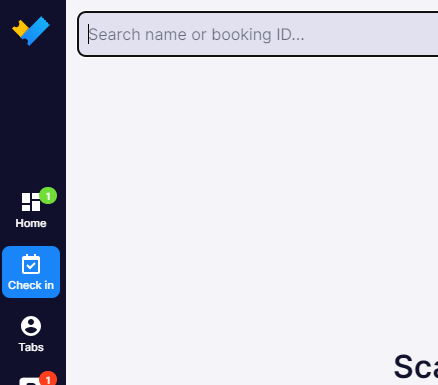
1. On the right side-bar click "Check-in" and use the field to search for name or booking ID.
If you have a scanner hardware connected to your VenueSumo you can scan the guests barcoded ticket to find the order.
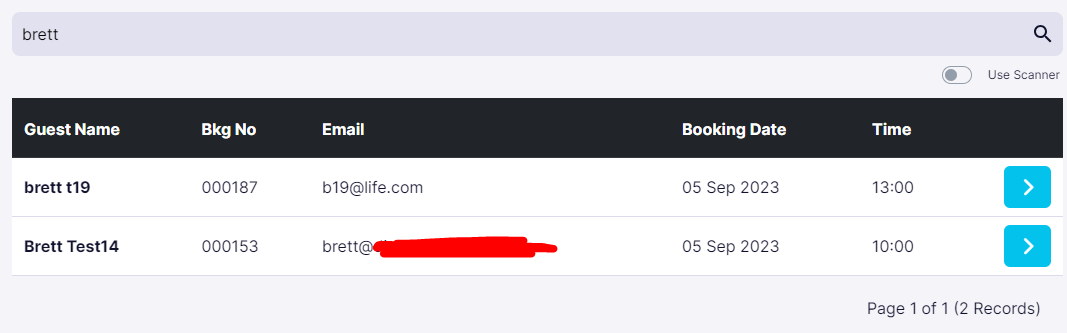
2. Find the correct guest and click the "blue arrow icon" to check-in that guest.
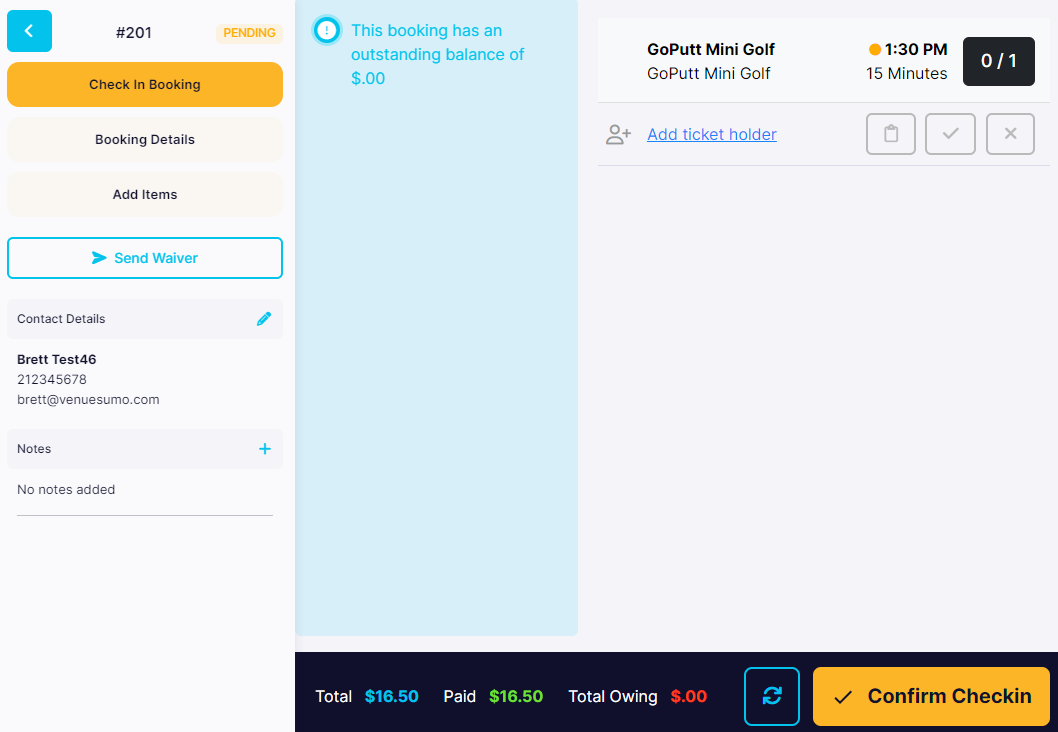
3. "Add ticket holder" and click the "tick icon".
When ready to check-in, click "Confirm Checkin".