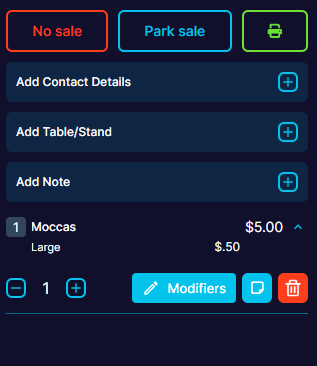
How to Park a sale, retrieve a Parked sale and remove a Parked sale
Last updated: May 9, 2026
When you have a couple of items in an Order, you have the option to "Park sale".
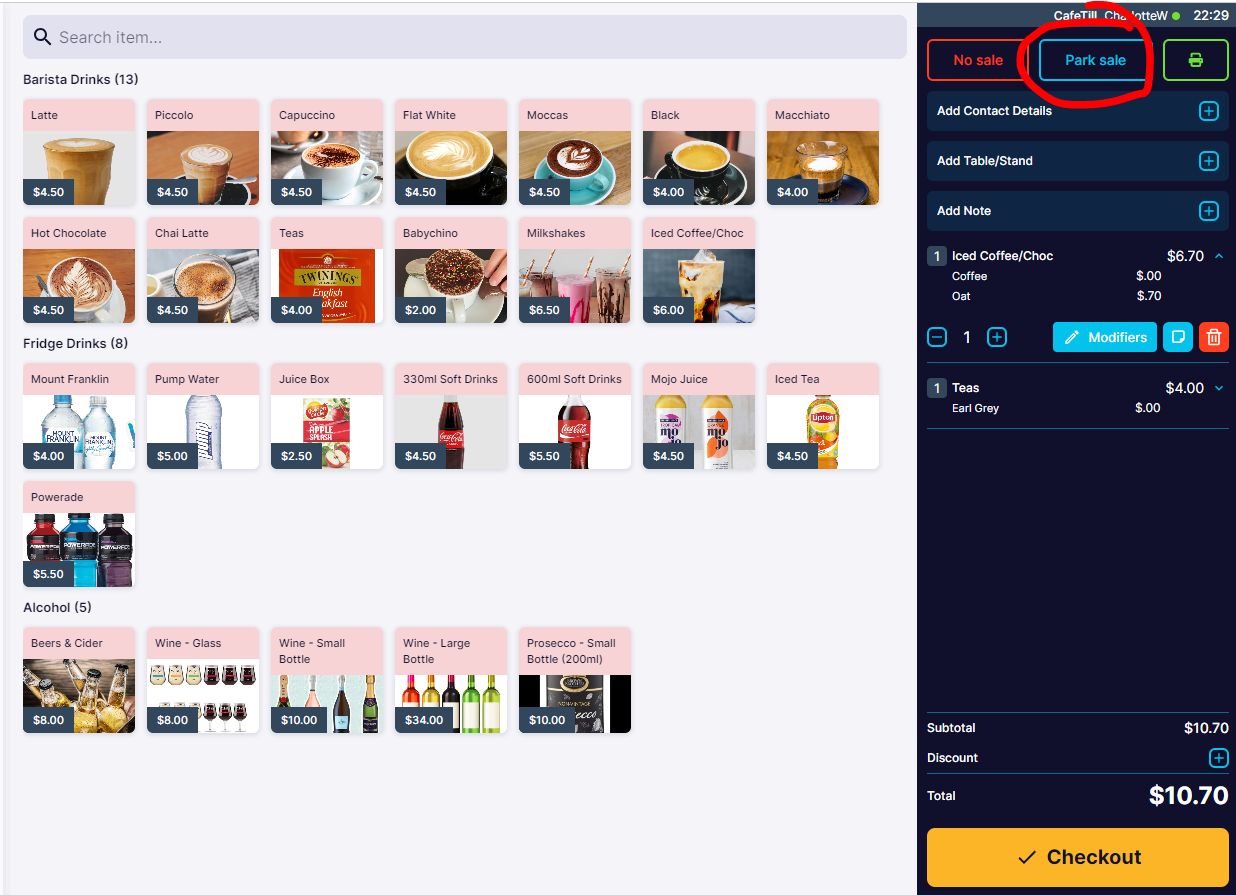
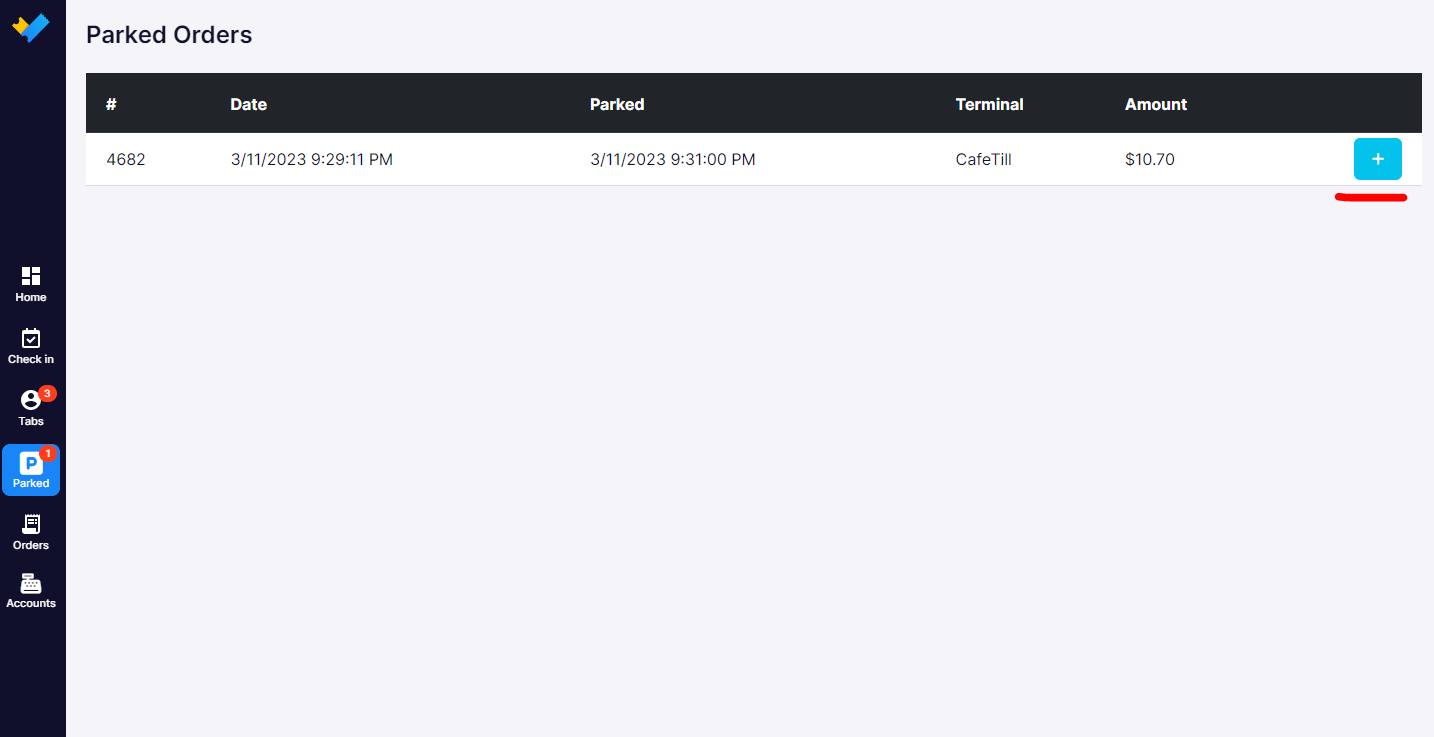
This will create a "Parked Order" which can be retrevied later by click the "Parked" item in the left-sidebar menue.
Clicking anywhere on the order details will prompt the "Please enter PIN".
This will return the order to the "Home" screen with the Products you had within your Order restored, ready to add more products or "Checkout".
How to remove a Parked Sale
To clear a parked sale, retrieve the sale, enter pin and click the "No sale" button on the main sale page.