How to apply a Membership Session discount in POS
Last updated: May 10, 2026
- Customer purchases session products and requests their membership discount
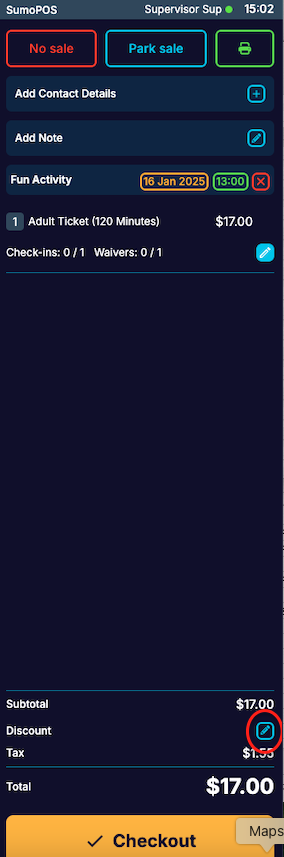
The POS Operator clicks on a small discount icon on the bottom right of the screen which then displays a list of available discounts
The customer must provide their membership number to access the session discount. Click "Enter Discount Code" and input the customer's membership number.

Enter the customers membership number and then press Save:

If the customer has a valid membership and the discount applies to the session pass, a confirmation window will appear, displaying the customer's photo for easy identification.

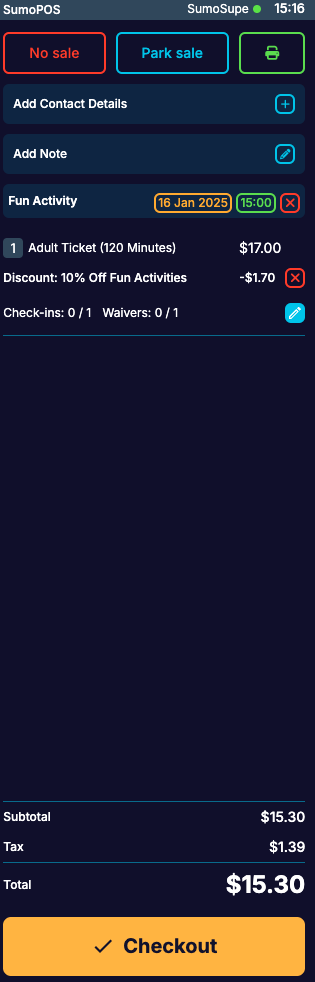
- Click on OK, and the discount will be applied:
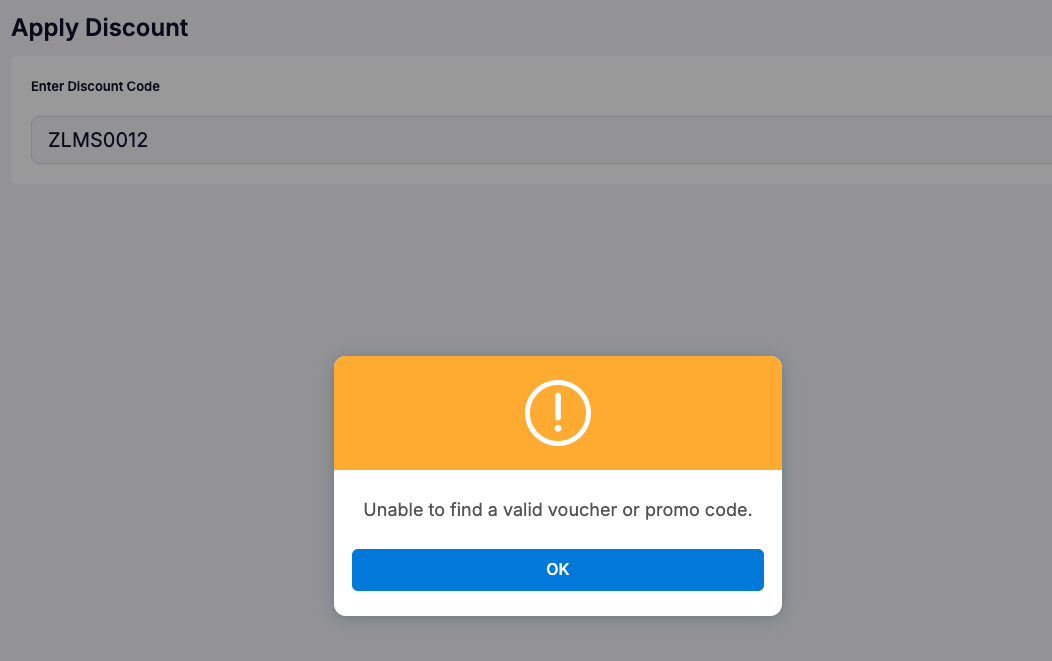
If the customer does not hold a valid membership, an error message will be displayed: