Change the Background colour of a Static Tag (Callout Message) using Custom CSS
Last updated: September 22, 2026
There are three background style options for Static Tags variable CSS CLASS:
No background
Primary background (
bg-primary)Secondary background (
bg-secondary)
If no changes are made, the system will use default colours:
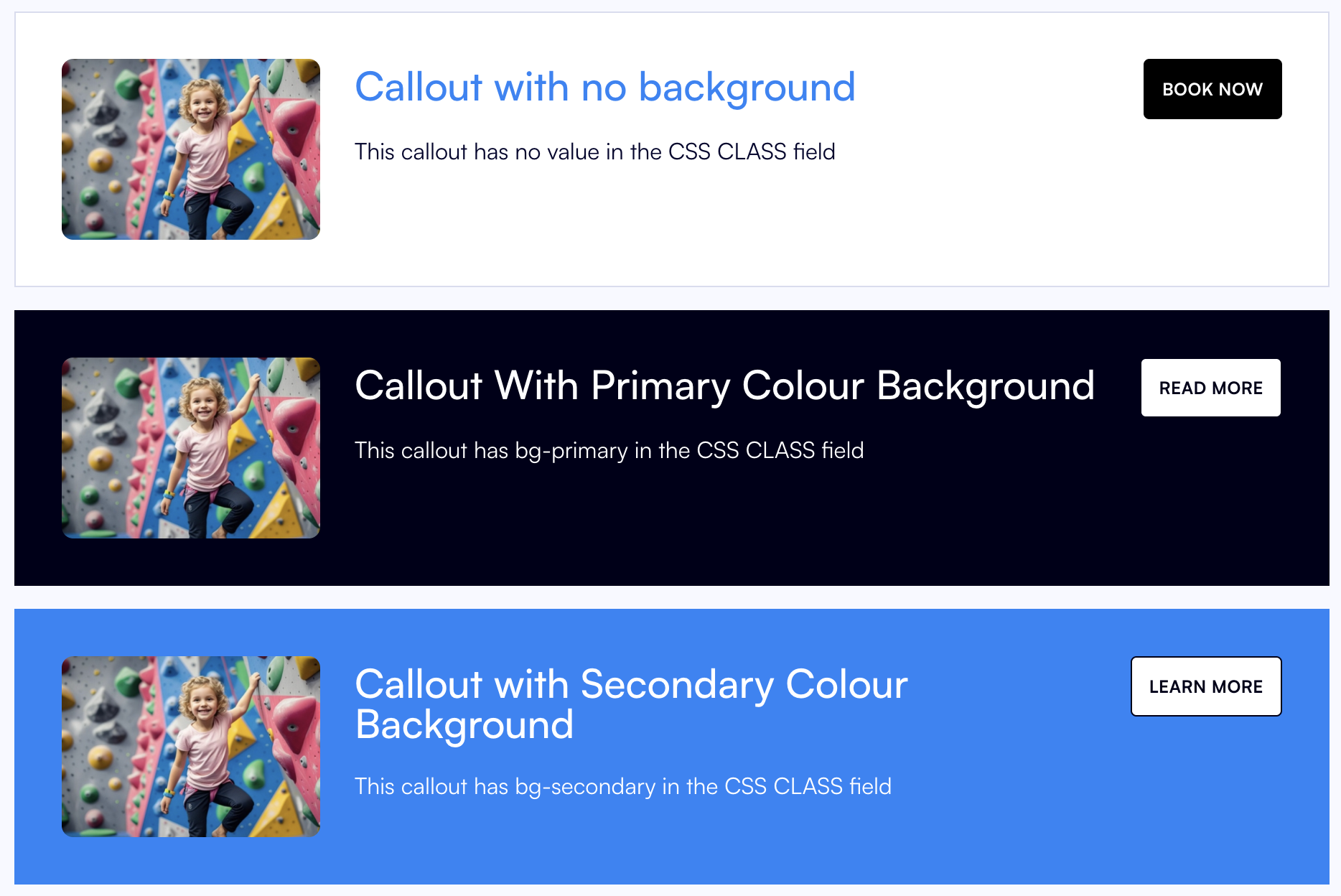
To customise these colours to match your brand:
Go to Settings > Assets & Branding
Click on "Book Sessions"
In the Details tab, press EDIT and scroll to the Custom CSS section
Add your custom CSS
Swap the hex codes below with your brand specific colours.
.bg-primary {
  background-color: #1A2B3C;
}
.bg-secondary {
  background-color: #F4F4F4;
}
Press SAVE
The callouts will now utilise the customised colours:
