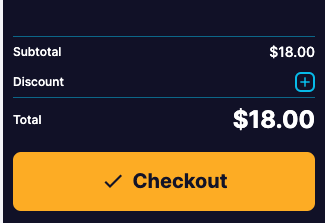
View and add discount codes
Last updated: May 9, 2026
If you wanted to have partnership codes, or discounts for staff out discount code function gives us the functionality to do so.
Go to Operations> Discounts. Here you can view all your previously entered discounts.

2. Click the top right corner " + New Discount" if you want to add a new discount.

Fill in the details of your new discount code. Mandetory fields include:
Name = Name of Discount Code
Code = a series of letters/ numbers that someone can use to acess the discount
Amount = the number percentage that the person using the code gets off the item
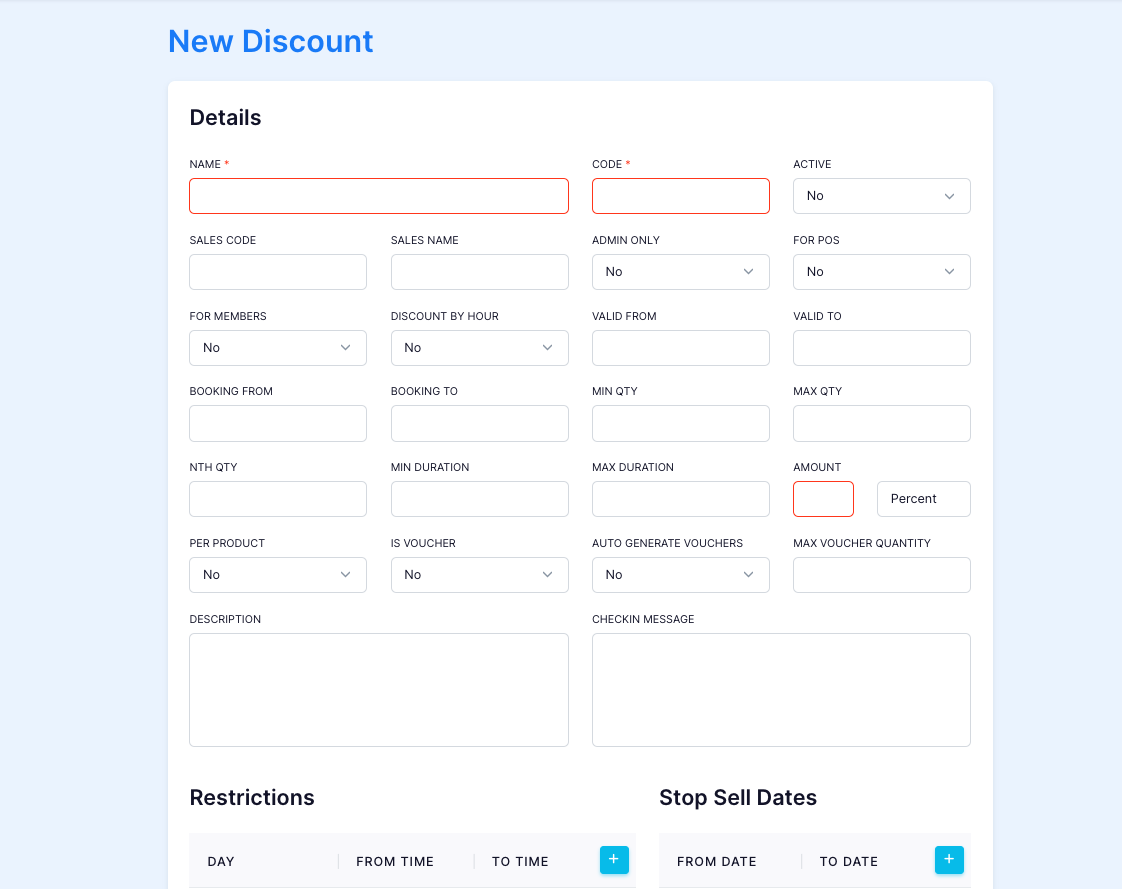
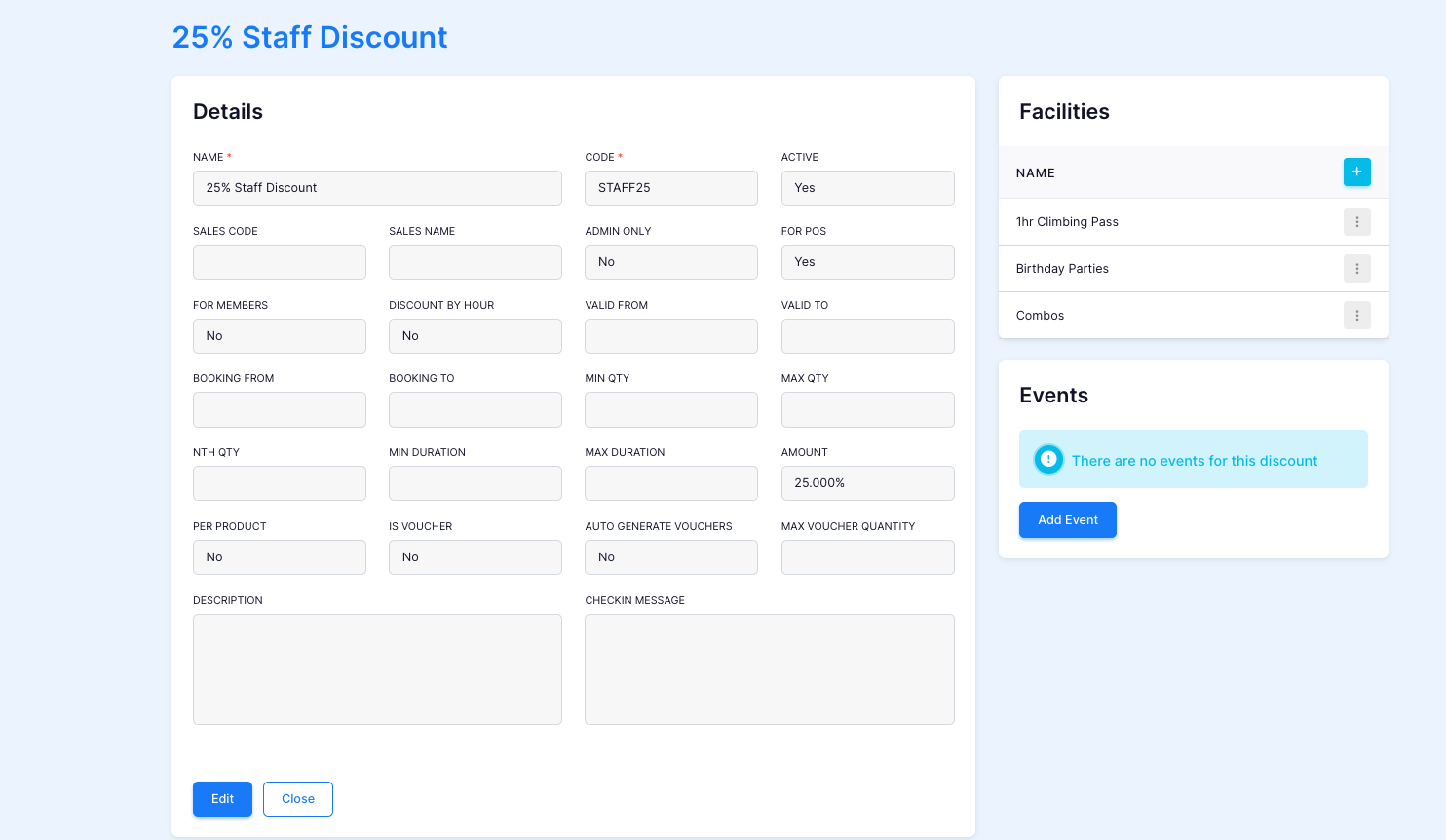
You can link to facilities or events to only allow certain access to discounted areas. Save once complete.
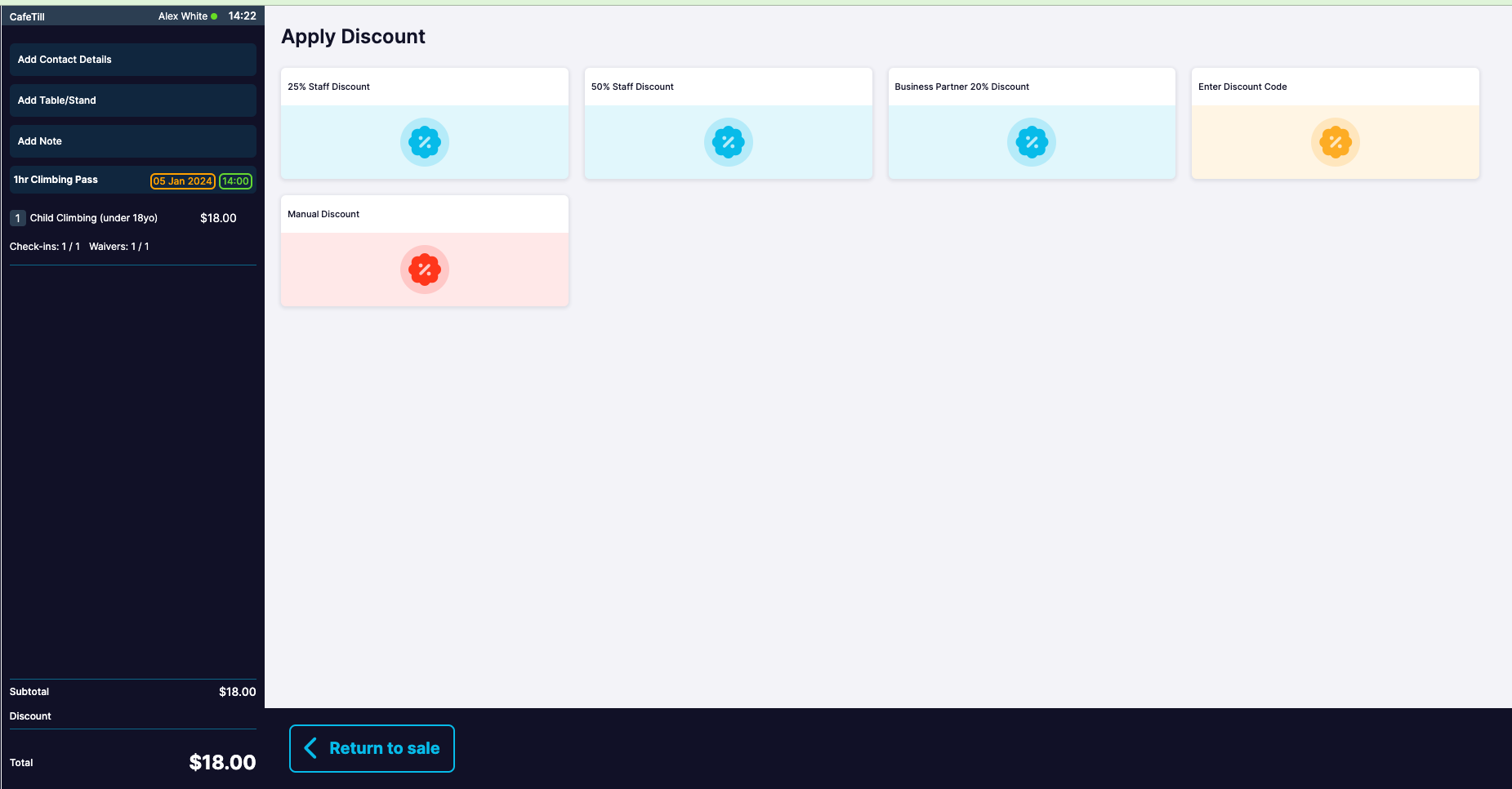
5. Log into your POS to see your discount codes.