How to add a POS category & Subcategory
Last updated: October 15, 2026
You may want to organise your POS based on categories such as 'Food', 'Drinks', 'Coffee' or 'Sweets'.
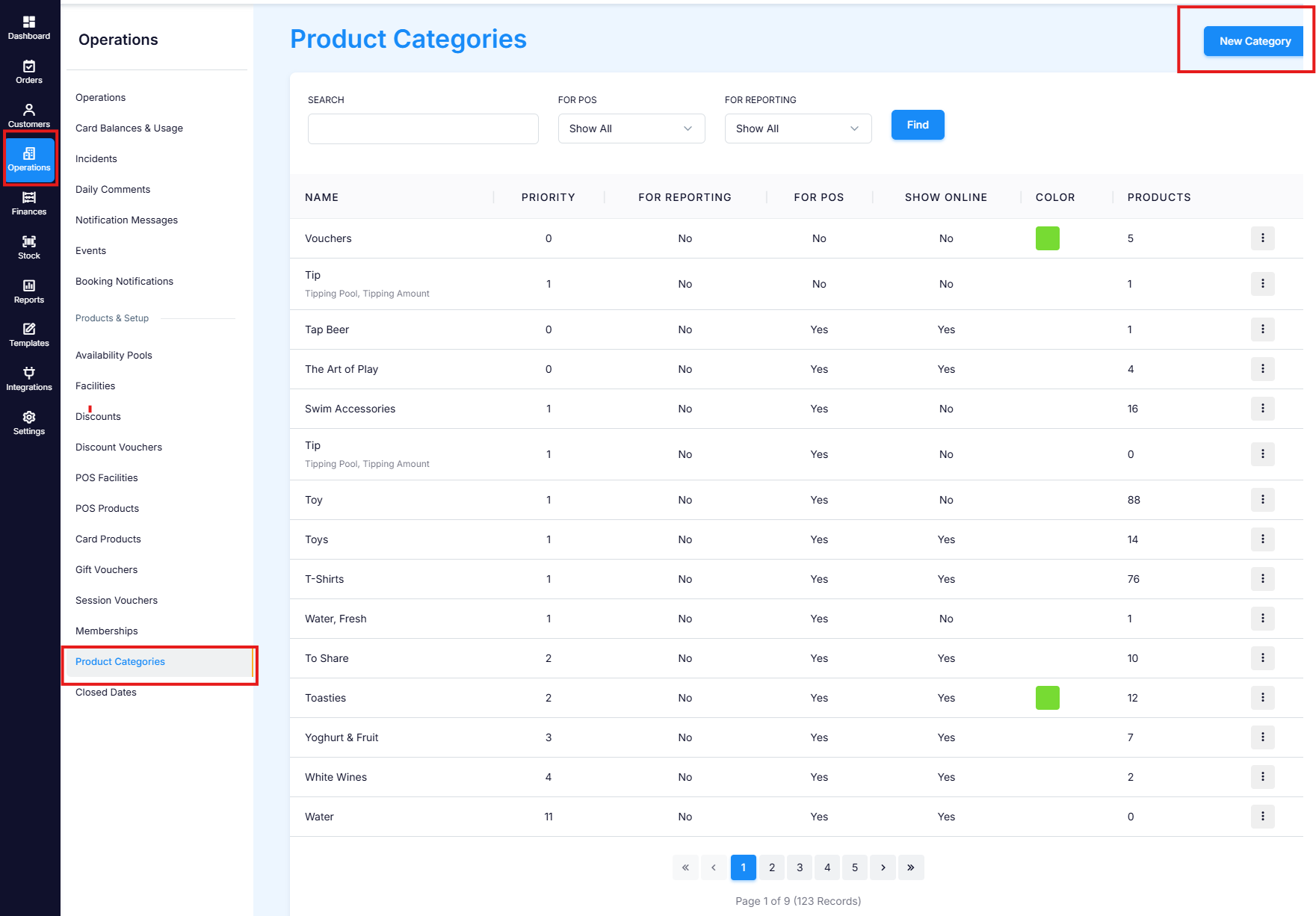
To create create a new product category go to Operations > Product Categories > New Category.
Fill out the fields (required fields have an *)
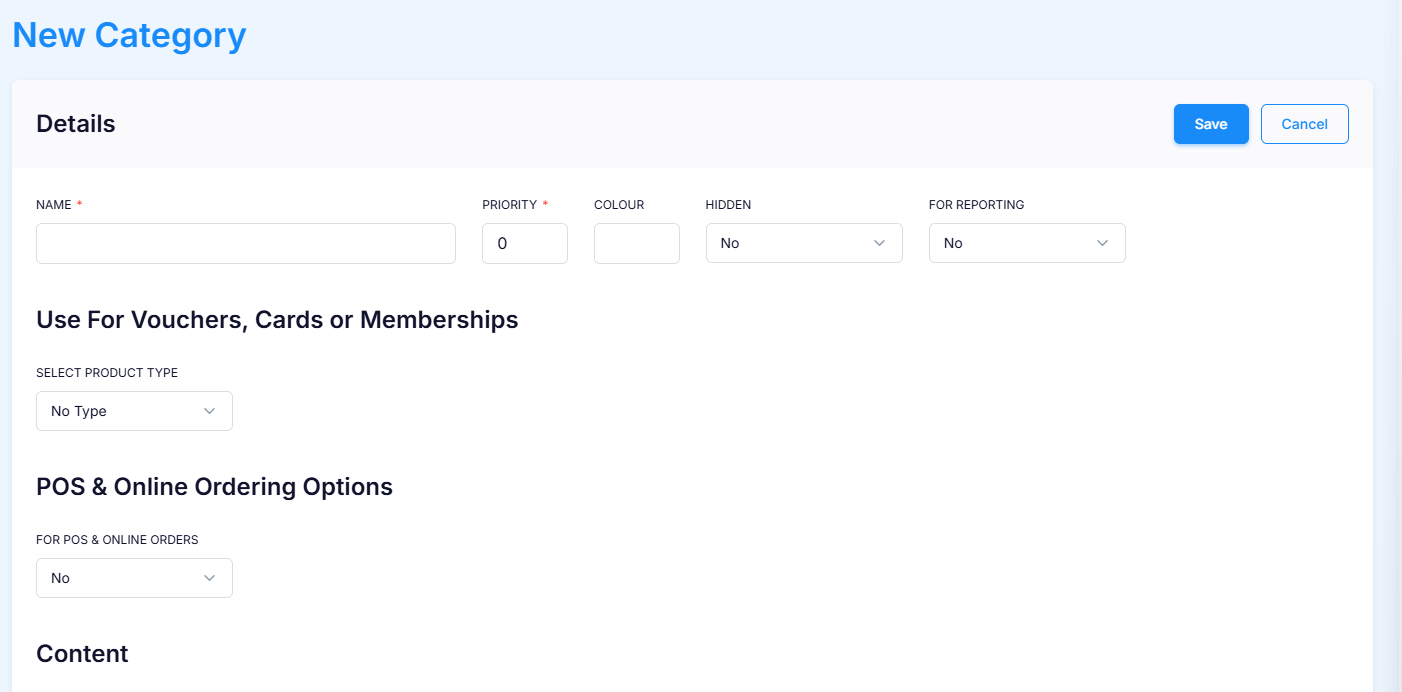
Name = Name of category
Colour = What colour you want the products in this category to be
Priority = Controls the display order of the category

Pictured: Categories in POS

Pictured: Subcategories "alcohol" & "Barista Drinks" in POS
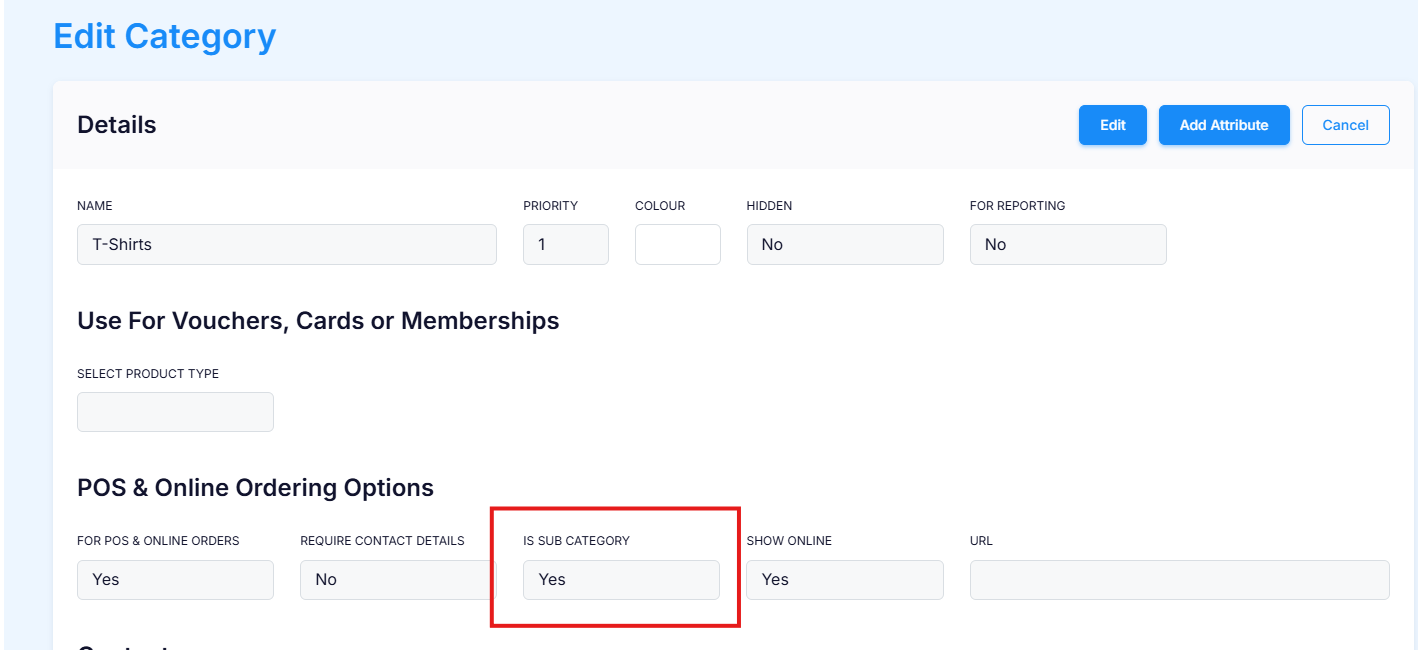
After saving, click into the category for more options:
Is subcategory (If YES) = Will show up inside the category to further group the products into subsections
Is subcategory (If NO) = Will show up in the POS facility menu on the left hand side of POS