How to Reset a Password or Pin
Last updated: May 9, 2026
- To reset a staff password a team member with "Administrator" permission will need to go to Settings > Logins

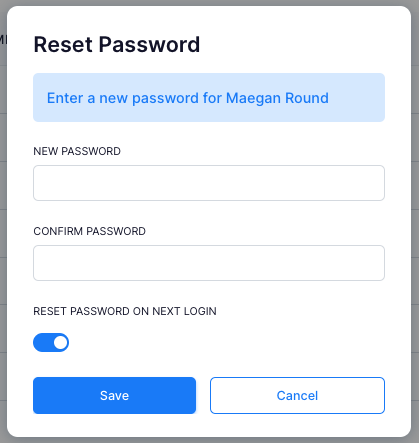
- Click the '3-dots' on the far right of the staff members row and select "Reset Password".

- This will give you the option to reset their "Password" or "PIN".
- You also have the option to force "reset password on next login".