How to view customers
Last updated: May 9, 2026
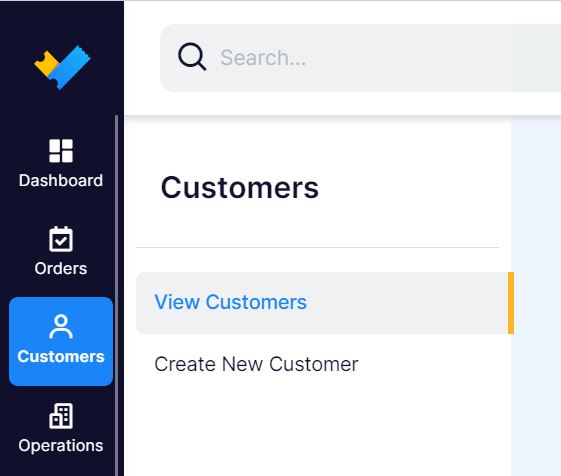
1. In the right sidebar menu click "Customers" and in the sub-menu select "View Customers".
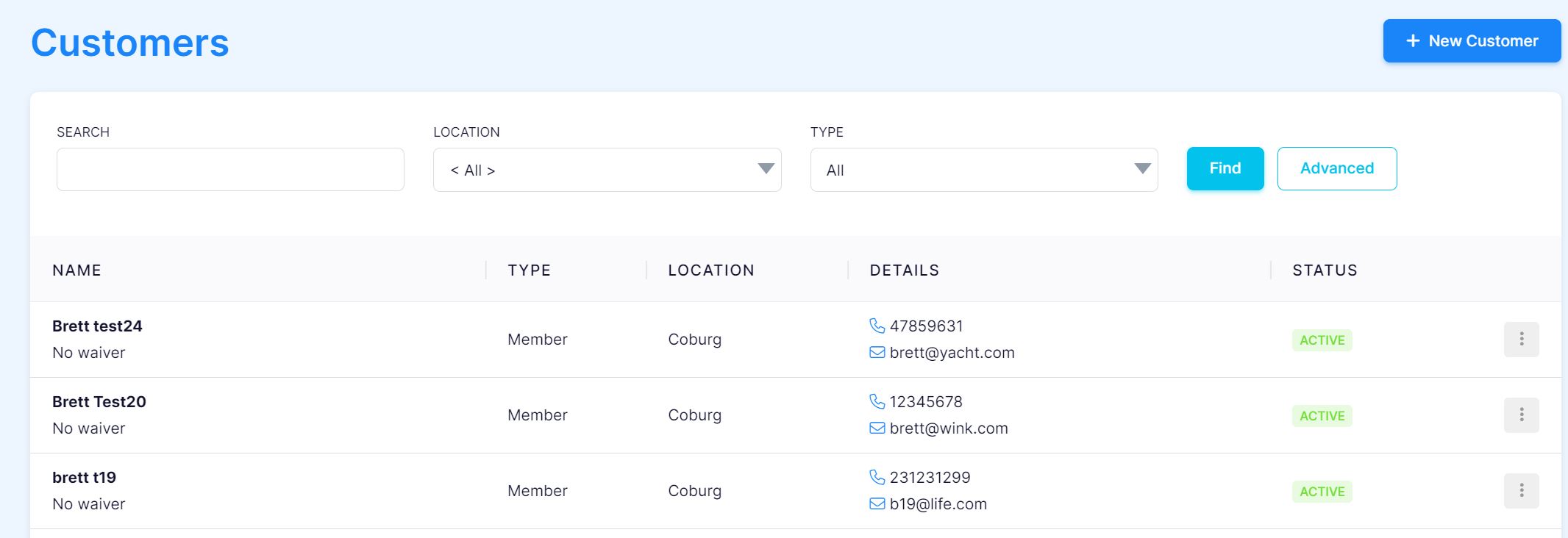
2. This will display a table with your Customers. You can add a new customer by clicking the "+ New Customer" button or edit/delete a customer by clicking the 3 dots on the right side of a customers record.
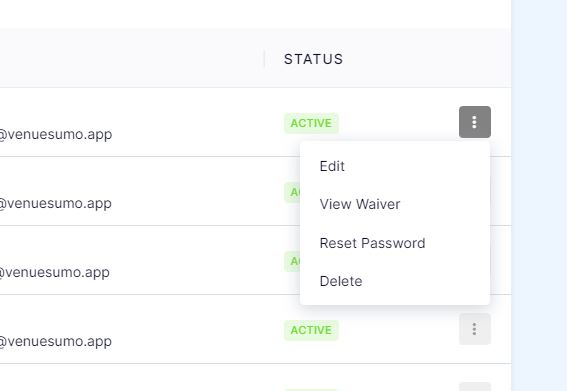
- Click on the right dots to see more Customer options to "edit Customer", "View Waiver", "Reset Password", "Delete Customer Record".