How to add an image to a facility
Last updated: May 9, 2026
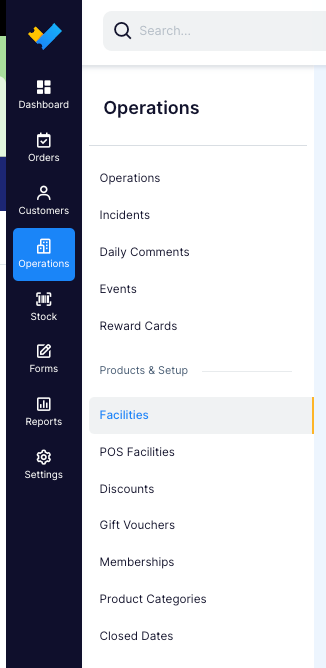
- Go to Operations > Facility > Choose that facility in which you want to update.
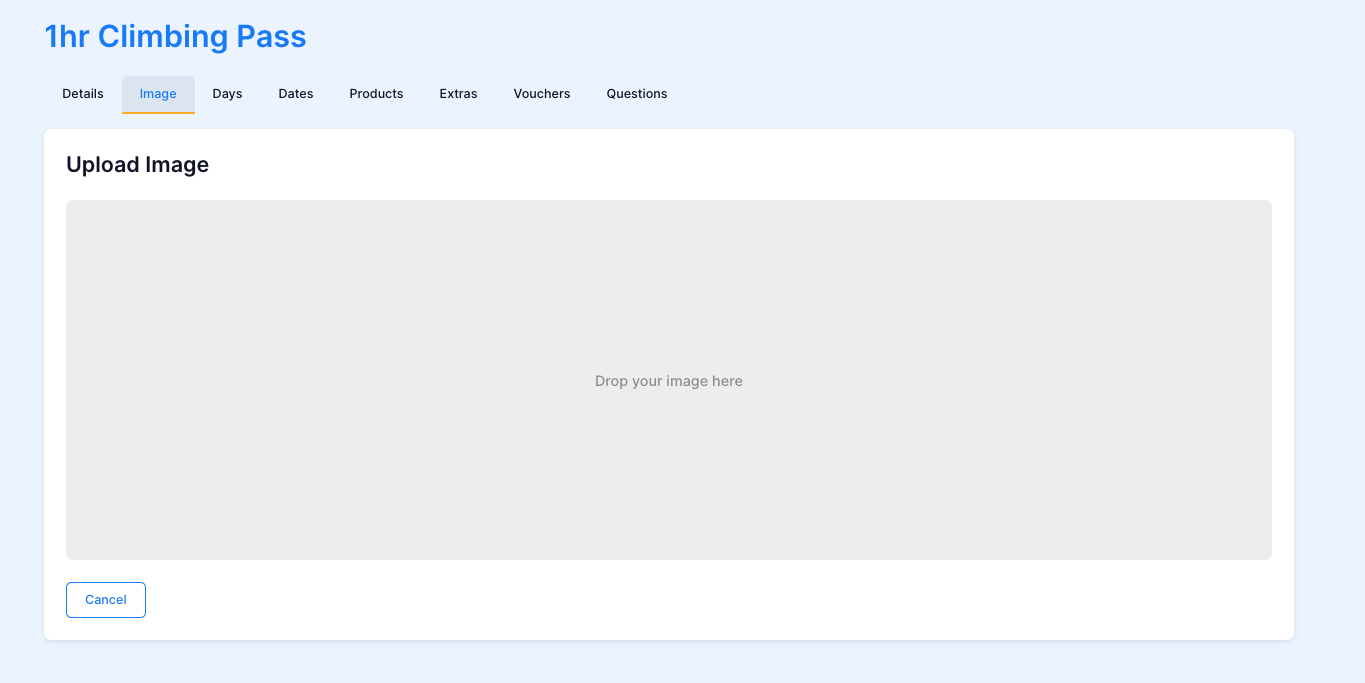
- Click the "images" tab

- Drag and drop the image of your choice, or you can press the grey square and uplaod directly from your computer files.