Customer Portal
Submit Help Request
Customer Portal
Submit Help Request
All Collections
›
Backoffice Basics
How to edit your T&C's
Last updated 1 month ago
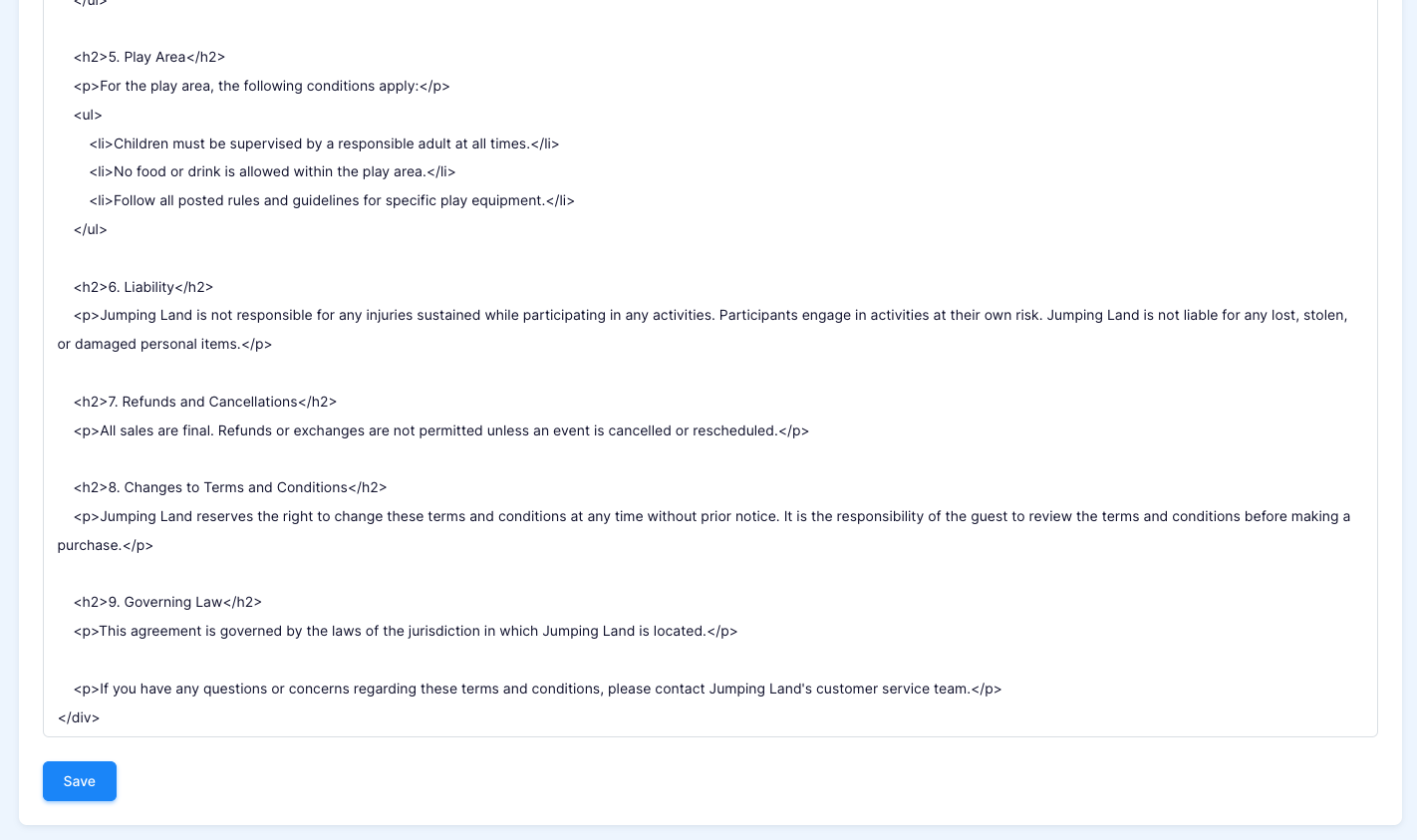
To edit your current T&C's go to Settings > Locations > Terms & Condtions
Make desired changes and then save your changes in the bottom left corner
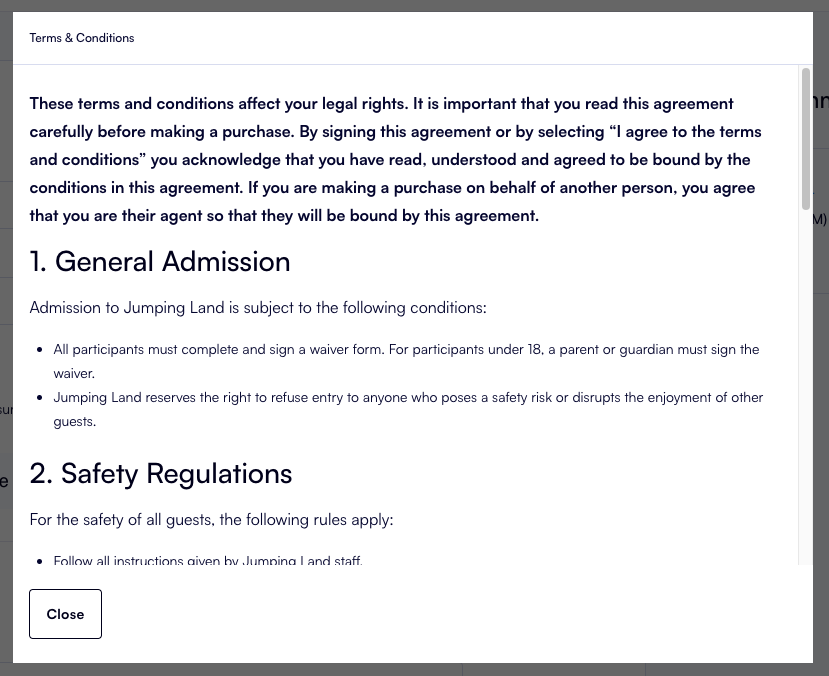
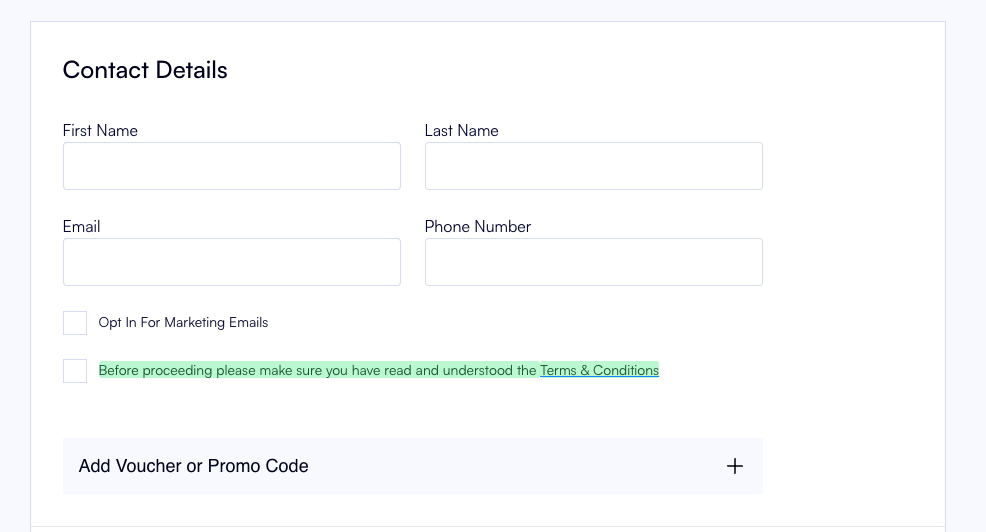
You can check these changes on the booking site at checkout
Related Articles
How to refund Orders paid online with credit card
How to change/add categories of a product
How to add a POS category & Subcategory
View Facility bookings
How to add a miscellaneous extra in the back office