How to add a discount in Back Office booking
Last updated: May 9, 2026
You can add a discount within the back office by clicking "Add Extra" within "Booking Details".
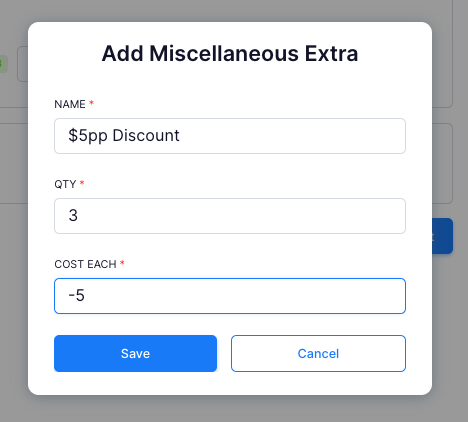
Enter the "COST EACH" as a negative number for a discount.

If you are adding an one off discount make sure the quantity is 1.
If you adding a per person discount (or similar), make usre the quantity matches the amount of people you are discounting for. Then if numbers adjust you can adjust the qunatities as you go.