How to send a survey email from a past booking
Last updated: May 9, 2026
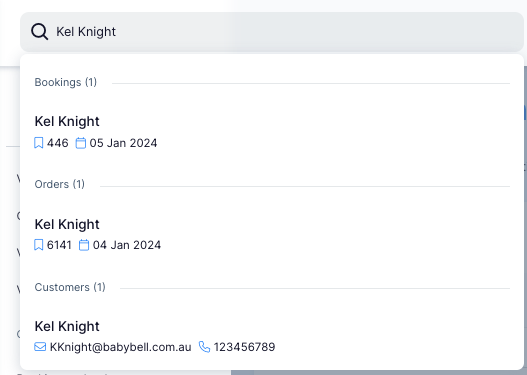
- Search in the search engiene the booking that you would like to send the survey email to.
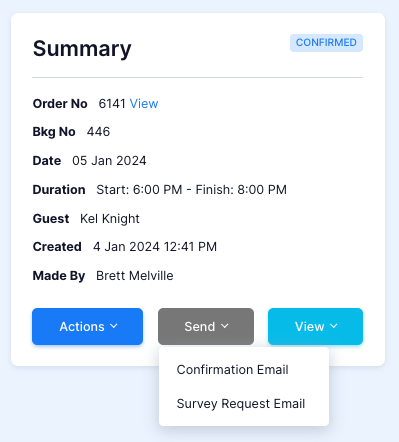
- In "Summary" press the "Send" button.
- Click "Yes" to the warning message that comes up.

- Check the "Emails" tab to confirm the email is being process or sent.
