Edit customer details within bookings
Last updated: May 9, 2026
You can edit the guest details within the booking.
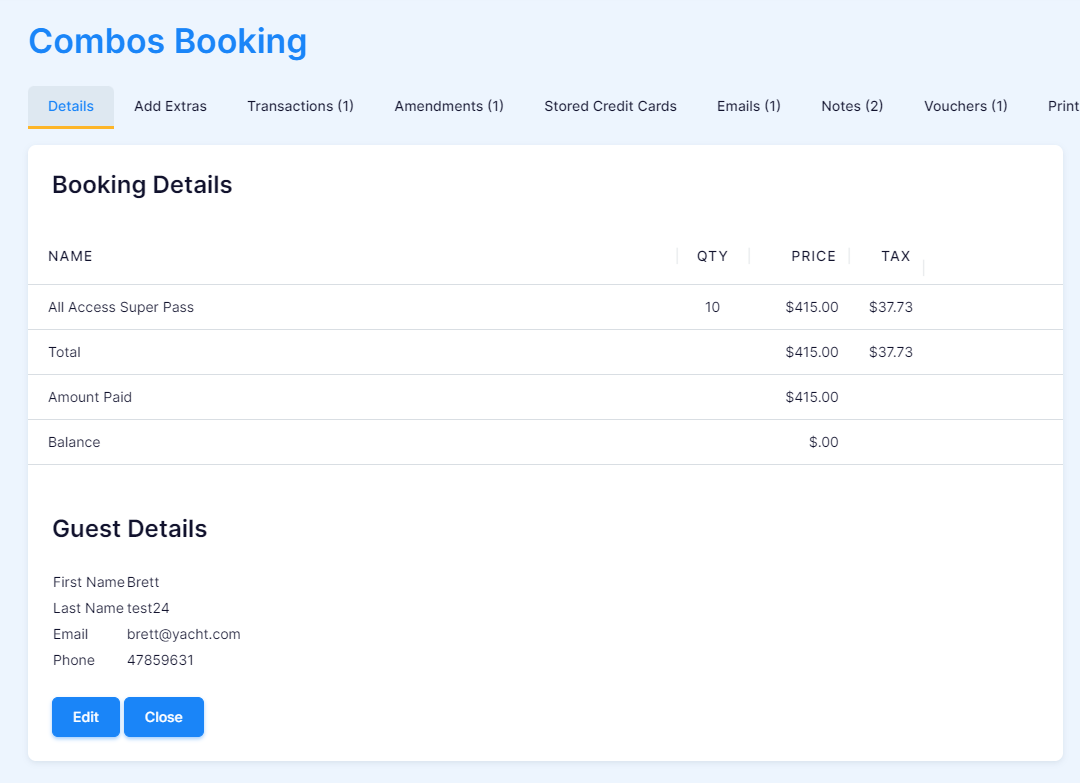
1. search the booking you would like to edit.Click the blue "Edit" button.
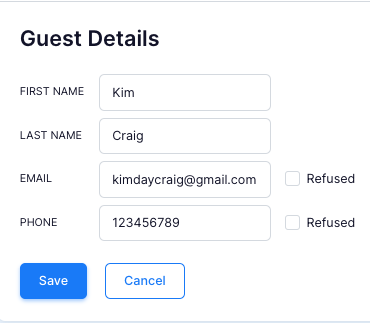
2. This will allow you to edit "First Name", "Last Name", "Email" and "Phone" details. Once you've made the required changes, click "Save" to confirm or "Cancel" to leave as they are.