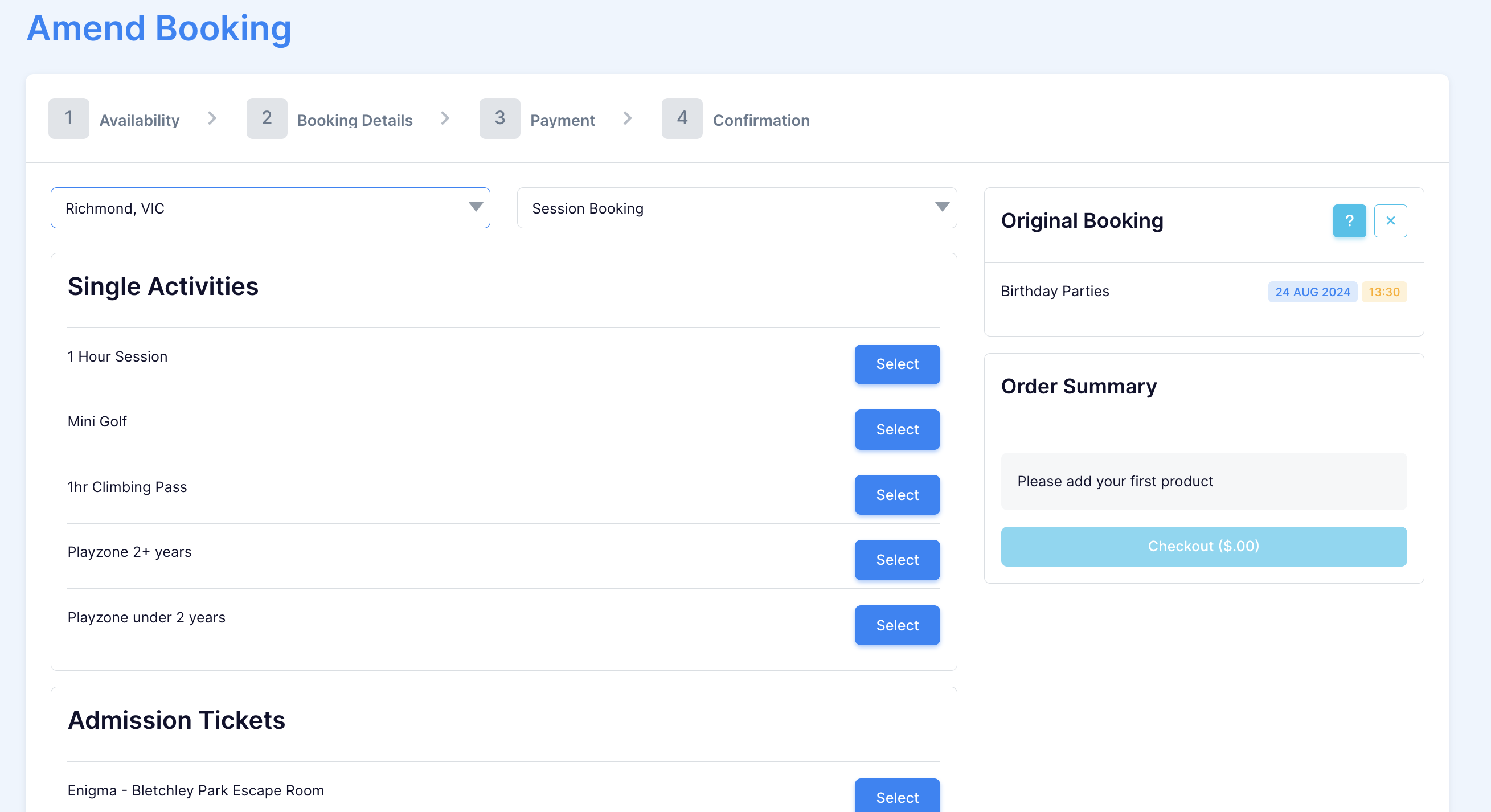
Amending a booking to a new facility
Last updated: September 22, 2026
During the admin process, customers may request to transfer their booking to a different facility product. In such cases, please adhere to the following steps:
Video Walkthrough:
Note: In order to amend to a different facility, you must select "New Date/Time"
Actions> amend booking > New Date/Time.
Note: In order to amend to a different facility, you must select "New Date/Time". Selecting Same Date/Time won't allow you to change the facility.

Select 'Change Facility' in the top right.
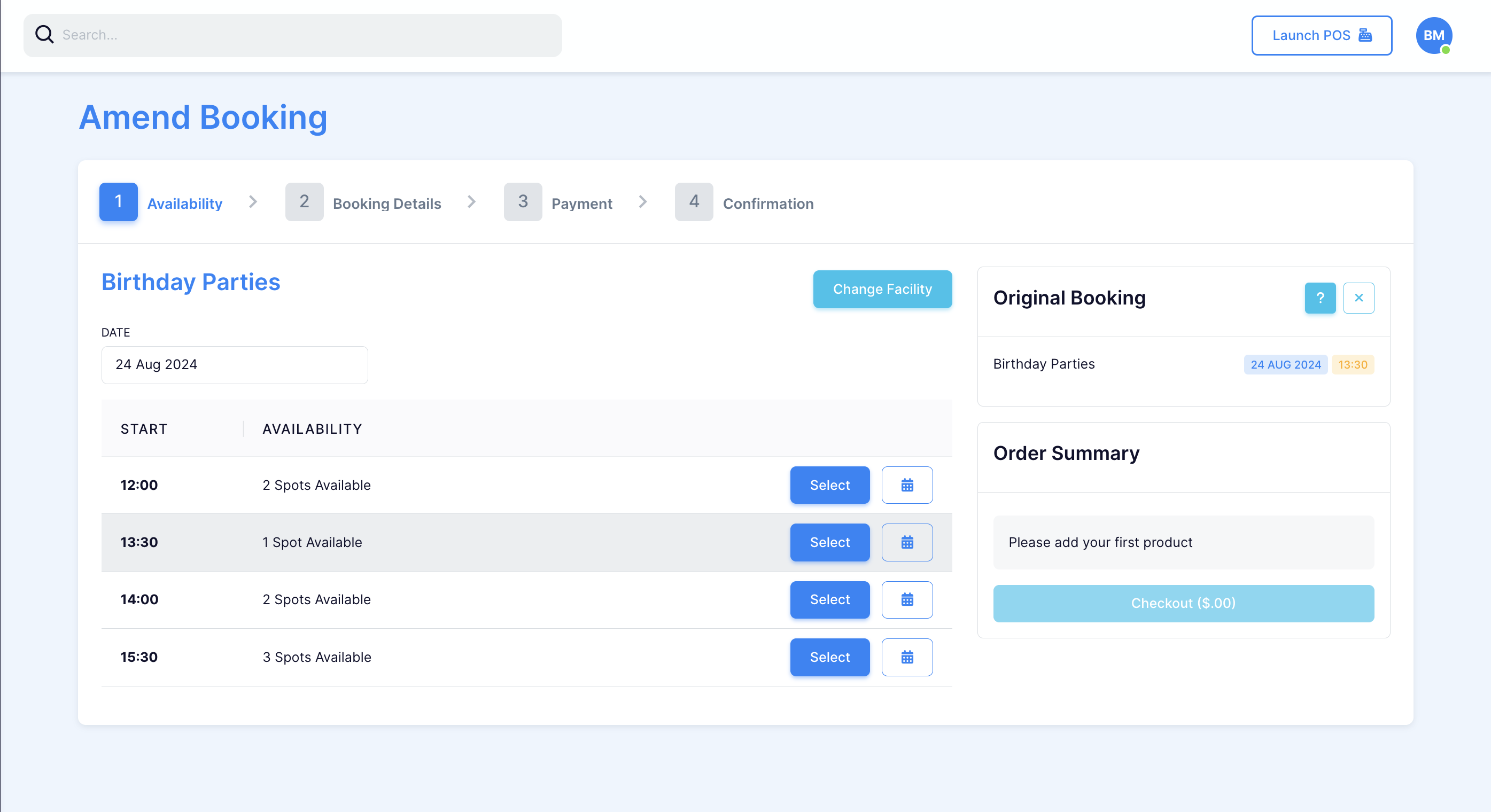
Select the new facility and amend as desired.