How to download and view invoices, receipts & tickets
Last updated: May 9, 2026
- Enter in the booking number in search engine, or in the " Orders" > "View Orders" function.

- Once in the booking under "Summary" press "View".

- Press on the desiired option, e.g. "Invoice".
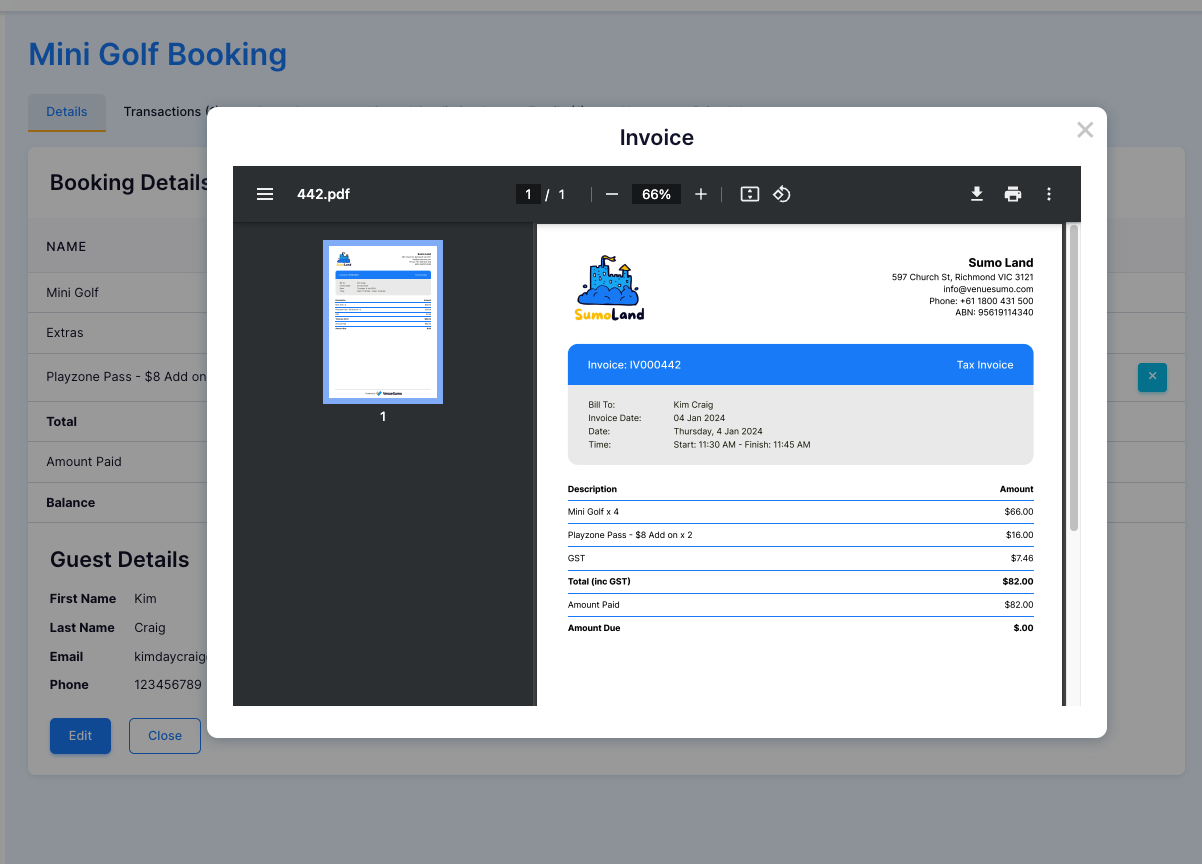
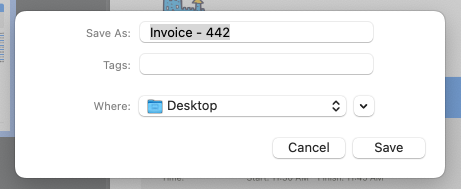
- If you want to download the invoice click the "download" button in the top right corner and press save.