How to create a new customer
Last updated: May 9, 2026
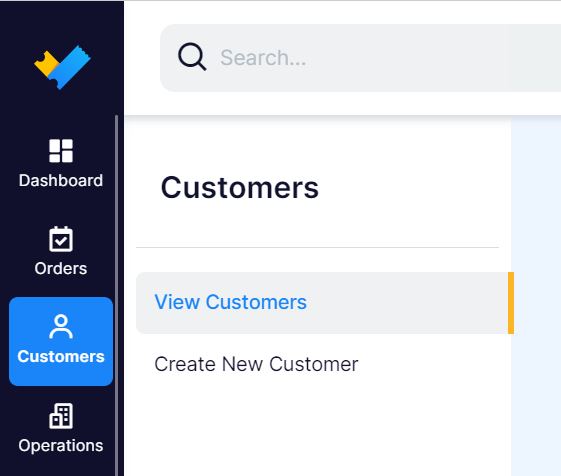
1. In the right side menu go to "Customers" and click "Create New Customer".
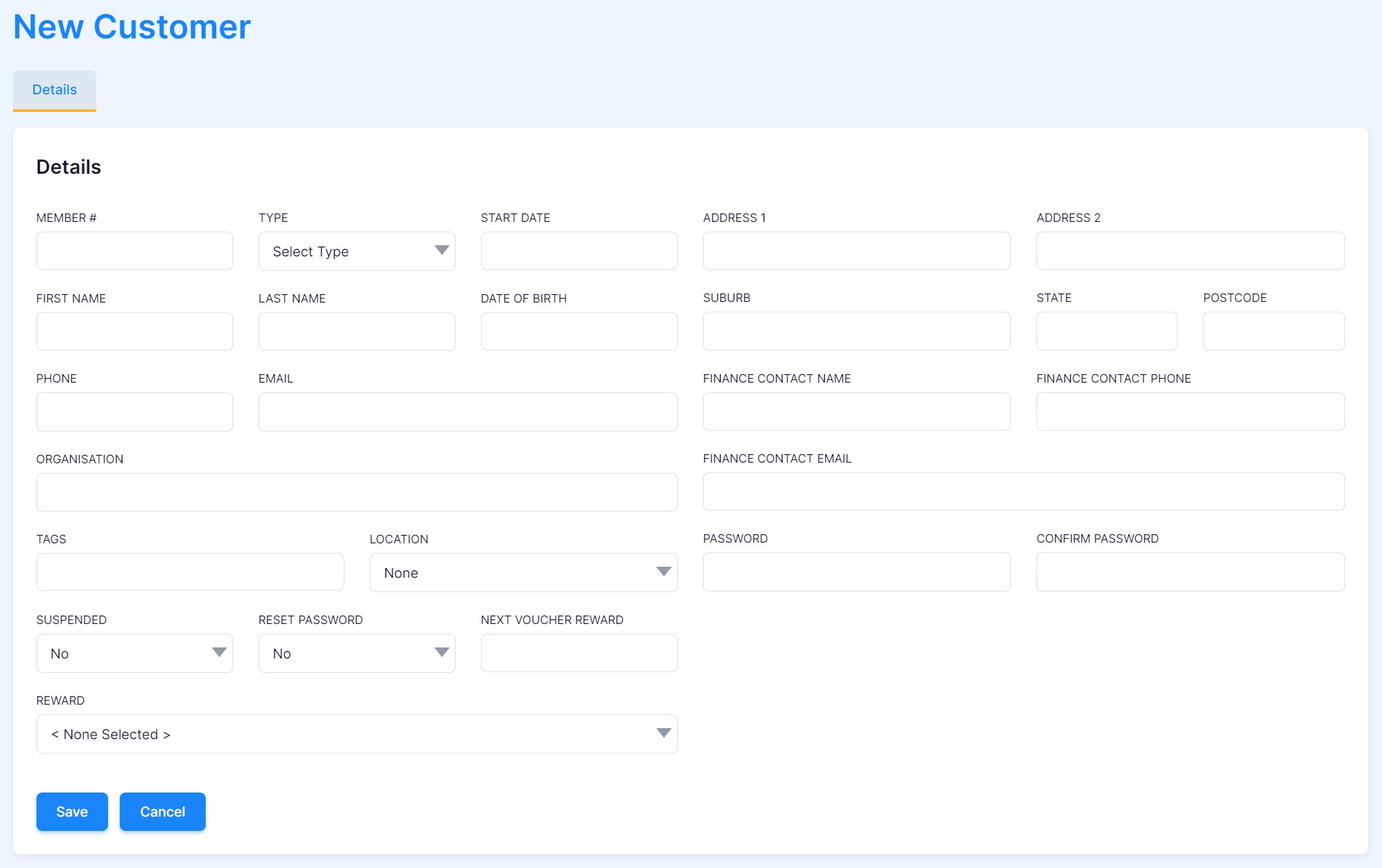
2. Complete the Details fileds with your new customer's information and click "Save" when complete.
Manditory fields include:
- First Name
- Last Name
- Phone