How to view and create incident reports
Last updated: May 9, 2026
- Go to Operations> Incidents. Here you will see all the incident reports logged. You can filter the search by date date and status.
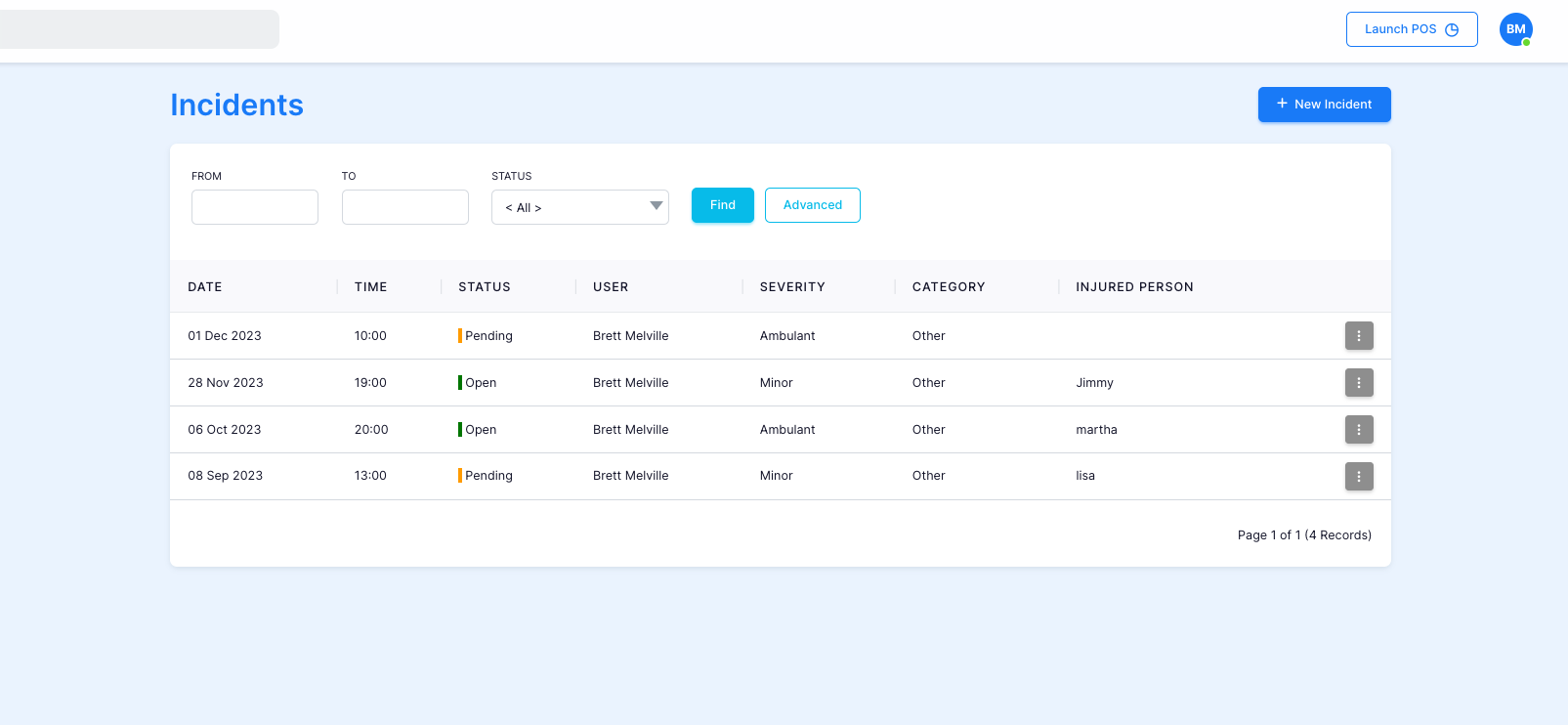
- If you would like to create a new one, click the top right corner " + New Incident".
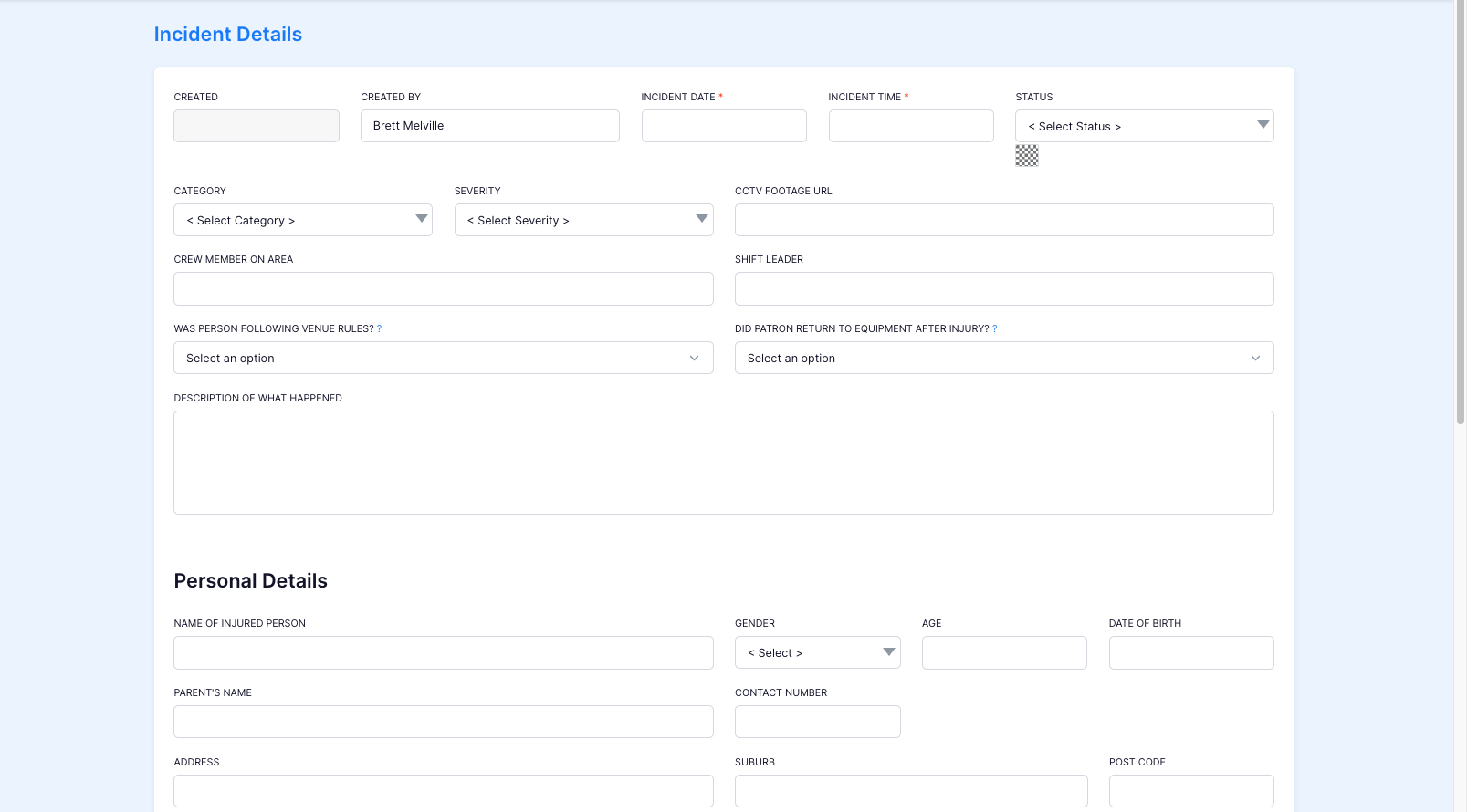
- Fill out the information according to the incident. If you would like to edit the report press the 3 dot symbol.

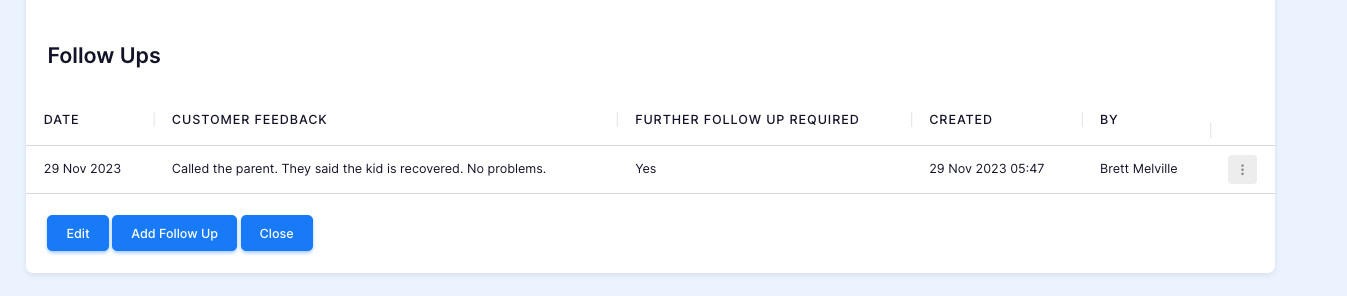
- If you want to add a "Follow Up" at a later date, you can do this by clicking into the desired incident report, scrolling to the bottom of the page and clicking "Add Follow Up"