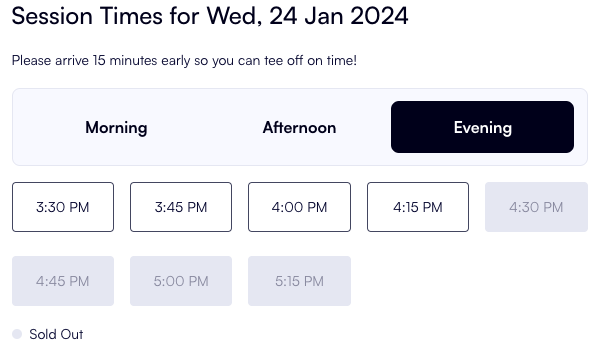
How to adjust session group times
Last updated: May 9, 2026
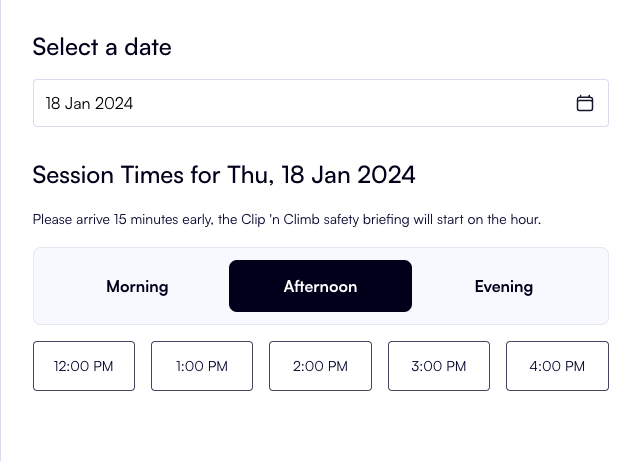
Session group times help categorise time slots to make the booking flow intuitve to the customers when booking online.
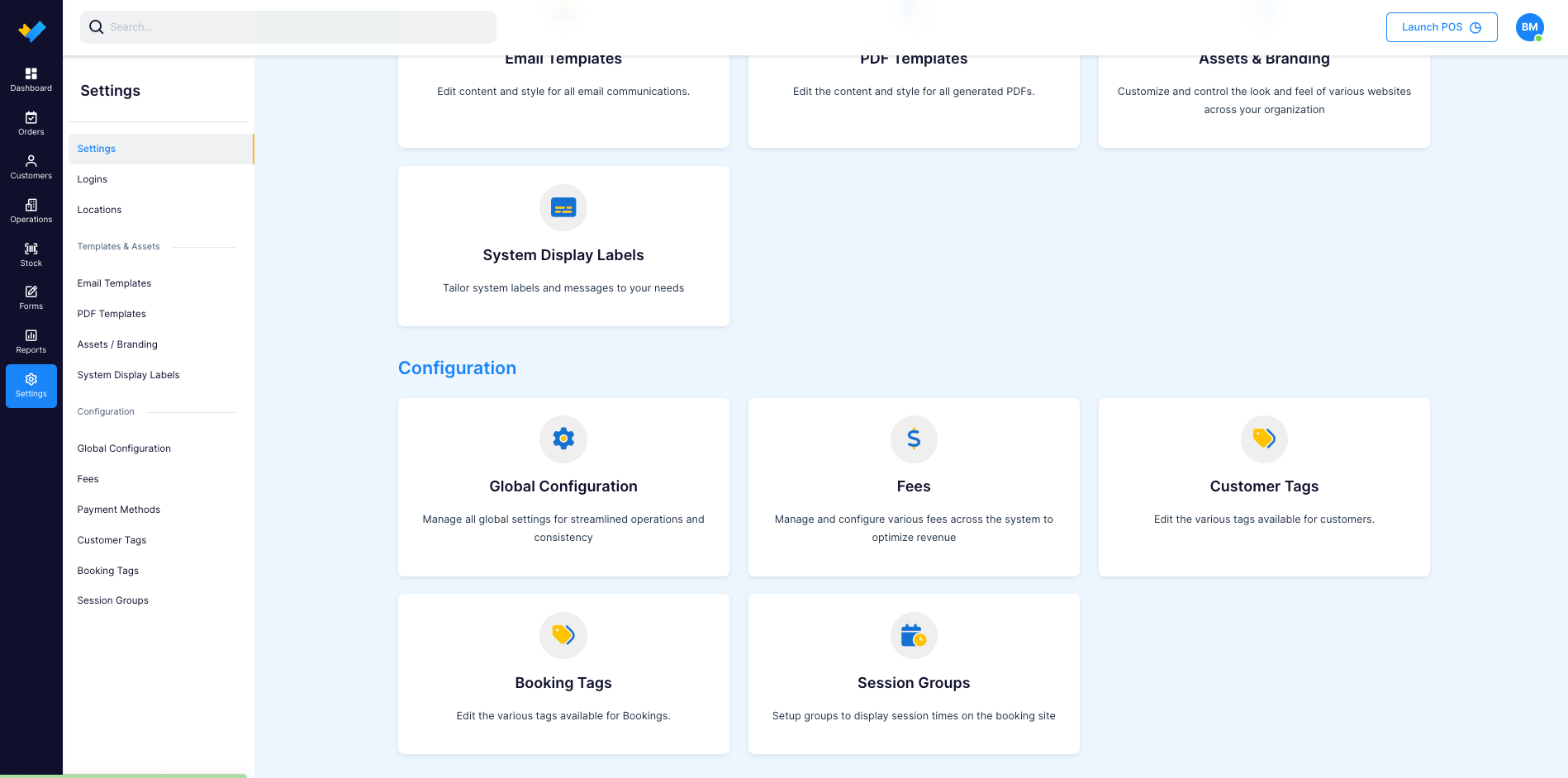
To adjust these times to better fit your venue go to Settings > Configuration > Session Groups
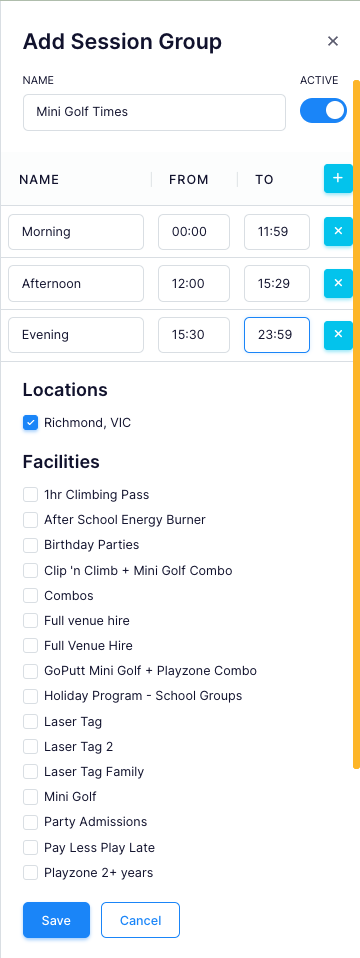
To create a new time specific to a new facility by "+ New Group" add a new time. You can also adjust on the global level by editing the current session time.

Save you changes and check them out on the booking site!