How to add extras to a facility
Last updated: September 22, 2026
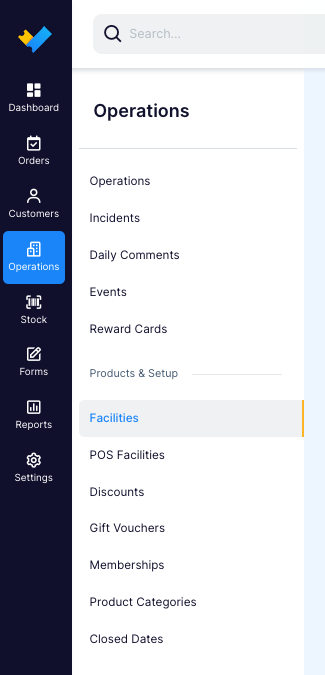
Go to Operations > Facility
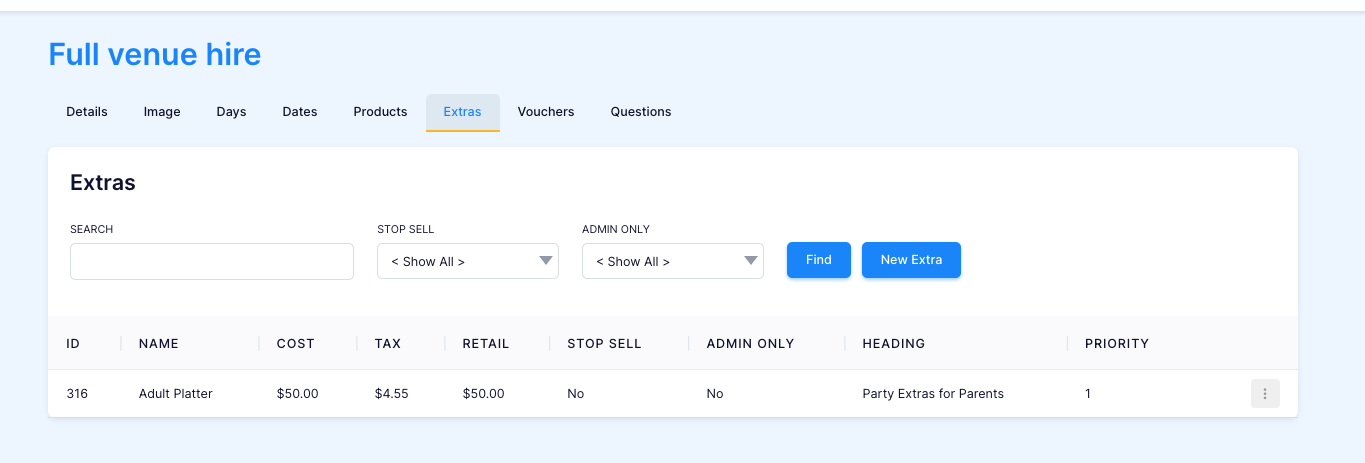
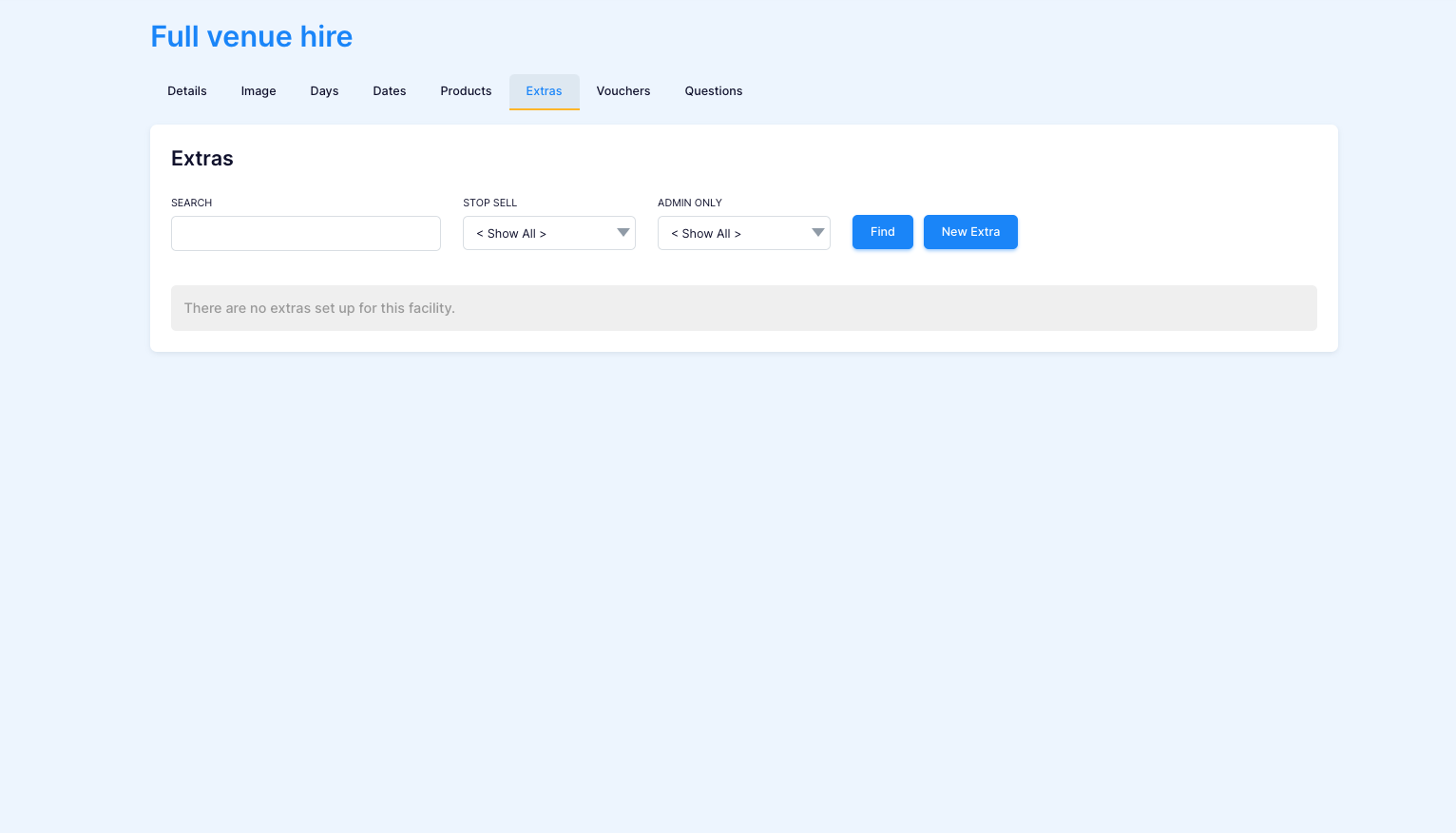
Go to the "Extras" Tab in the facility of choice, here you can view exisiting extras or add a new one by clicking "New Extra".
Fill in the Extras detail page. Mandatory fields include "Name" and "Cost". Other helpful fields include:
Heading (This means the extra will show up under this heading in the back office and booking site)
Extra Info (Small amount of information that will show up directly under the extra)
Admin Yes/ No (if the extra only shows up in the back offfice)
Min and Max QTY (To control the amounts being purchased at one time)
Linked Products (if a product is linked it means the extra will only show up if that product is selected)
Priority (controls the display order of this extra)

Save your changes