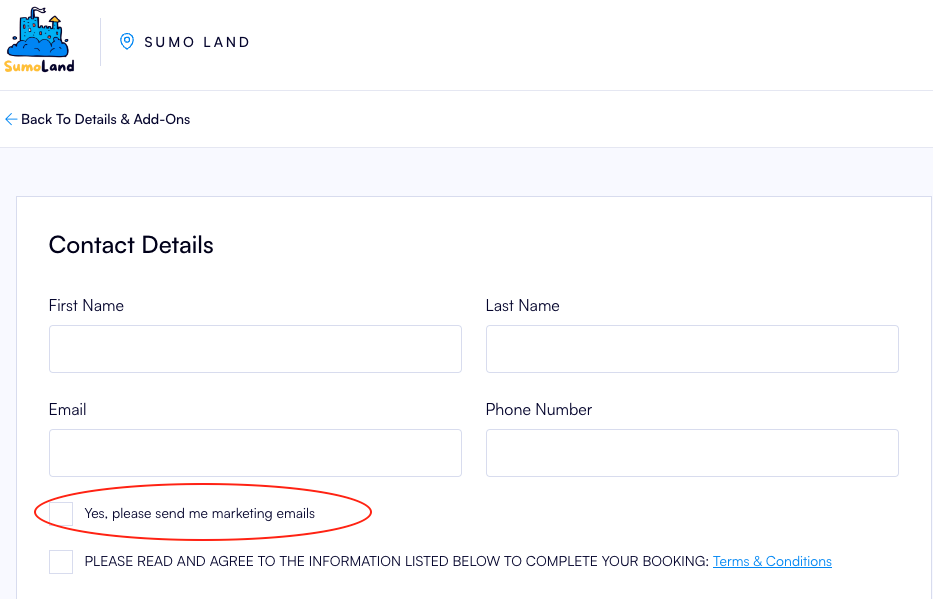
How to change the Opt In for Marketing Emails description
Last updated: May 10, 2026
Navigate to Settings > System Display Labels
- Change Type to "Label"
- Scroll down to the bottom of the screen and press the Edit button
- Scroll down until you find OptinForMarketing Opt in For Marketing Emails and change it to your preferred message, for example "Yes, please send me marketing emails"
- Scroll down to the bottom of the screen and press Save