How to change booking page content and availability page content
Last updated: May 9, 2026
This function is used to edit content that shows up on the customer facing booking site.
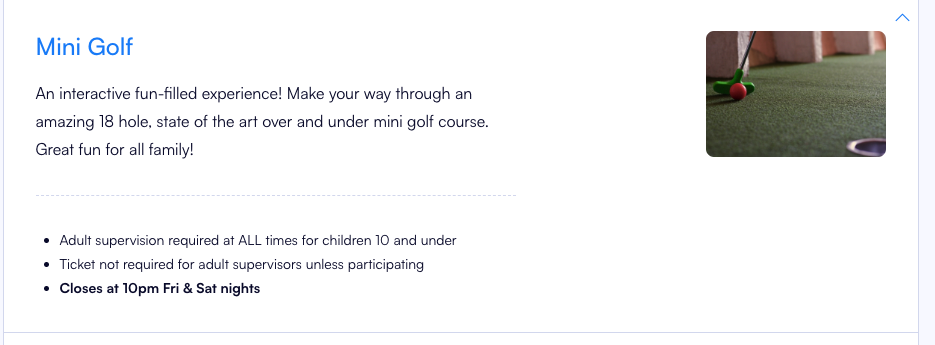
- To edit or add this content go to Operations > Facilities. Select the facility you want to edit/ add content for.
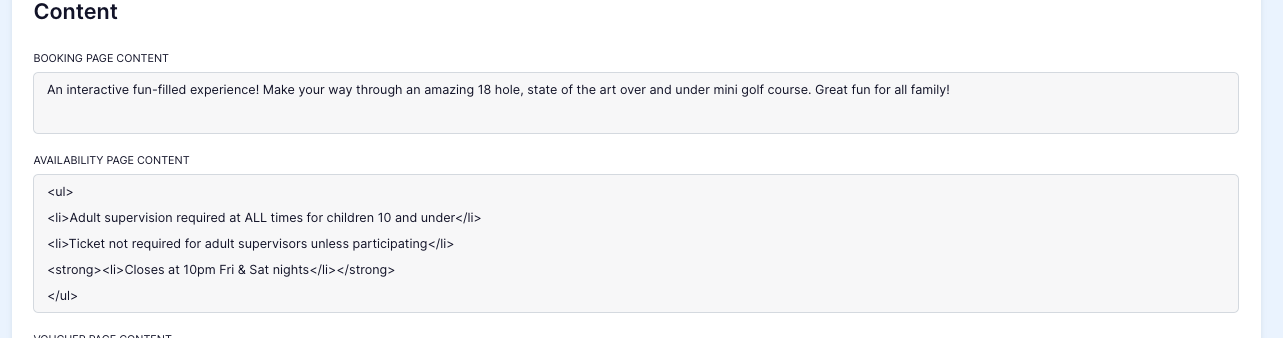
- Click "edit" in the top right hand corner.

- Make your changes and press save.

- Cross check this edit with the booking site.

- To add/ edit the availibility content follow steps 1-5, instead editing the "availabilty page content" instead of "booking page content".

- Cross check with the booking site.
