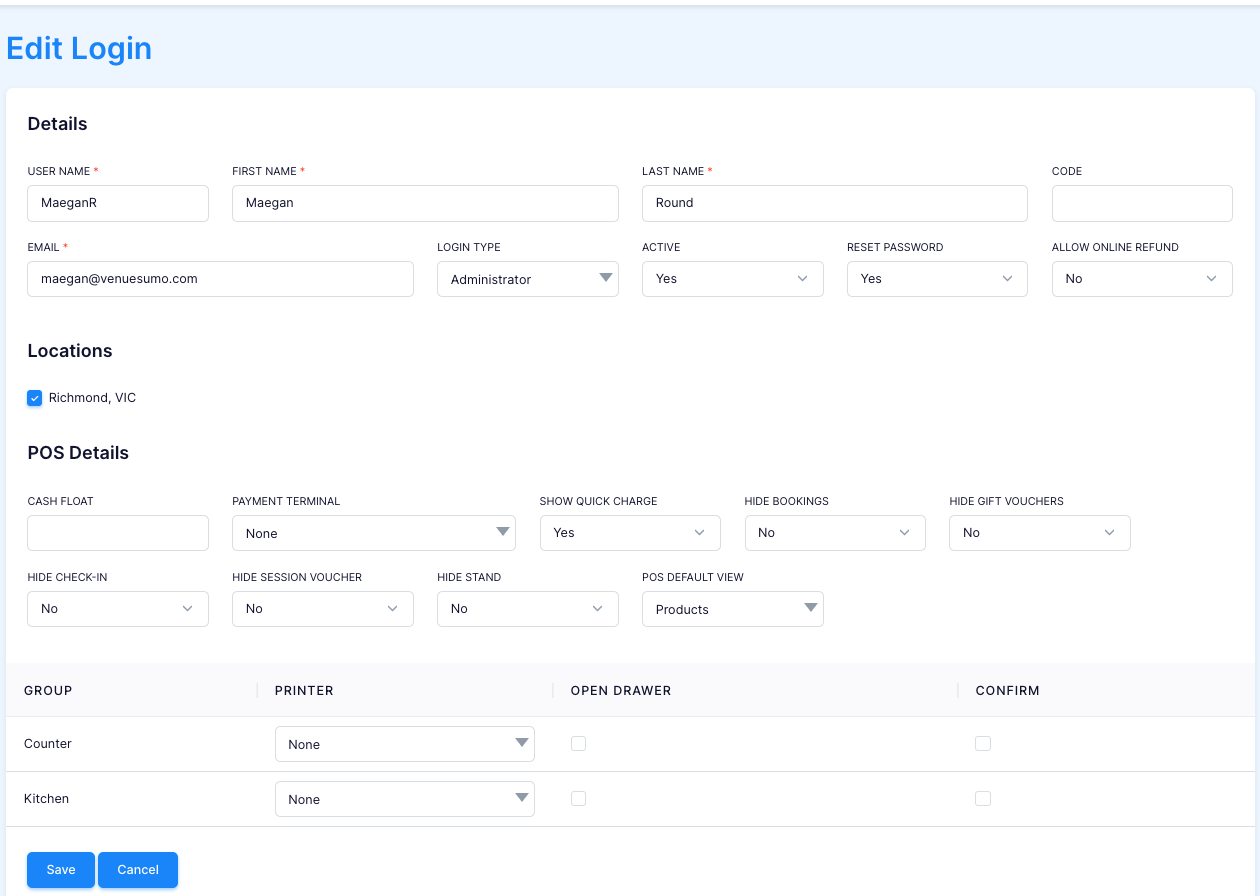
How to Create Staff Logins
Last updated: May 9, 2026
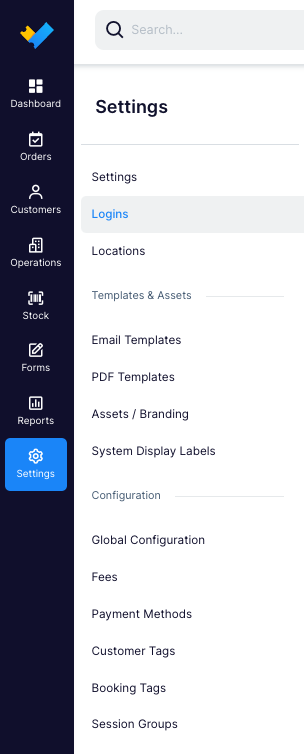
- Go to Settings > Logins here you can view current logins. To create a new one click " + New login" in the top right hand corner.

- Fill out the fields
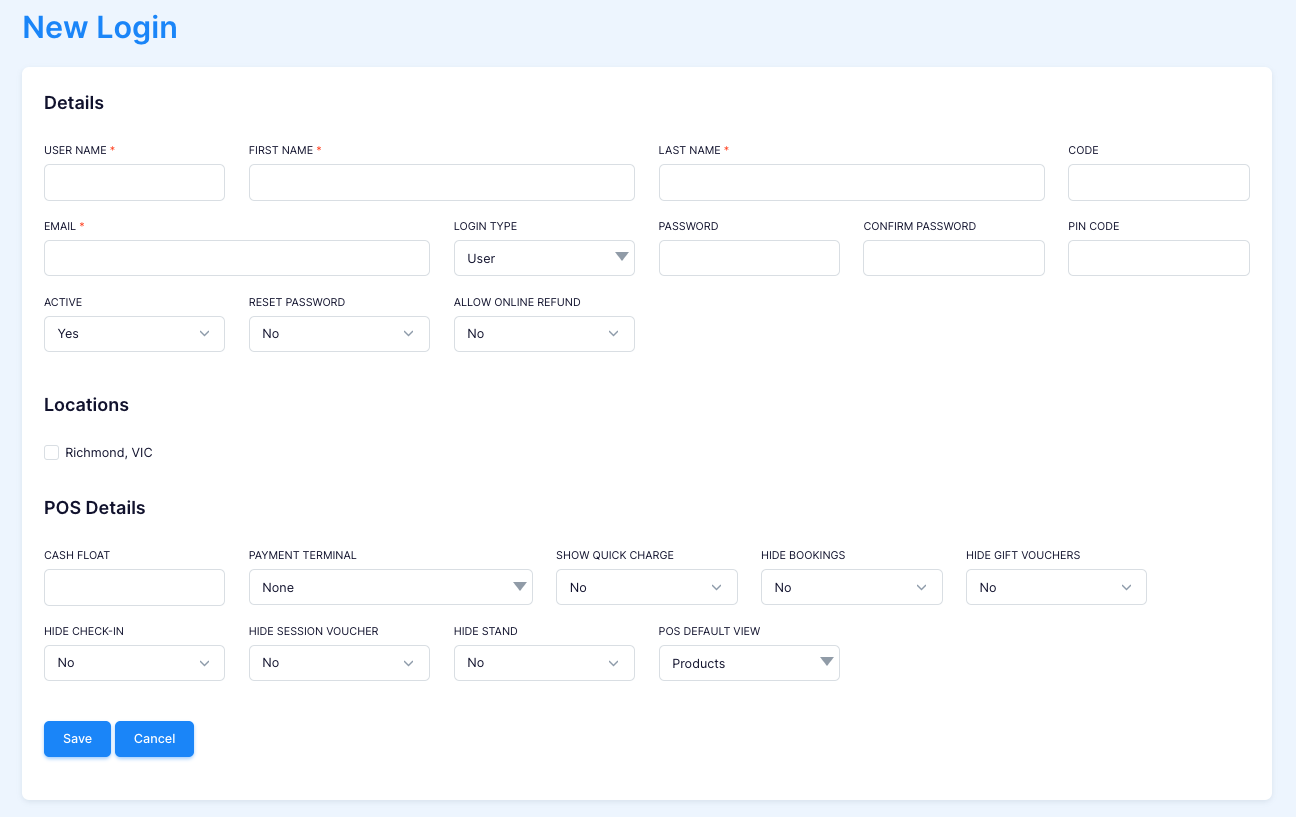
- Username = Name used to login
- First Name
- Last Name
- Login in type = choose based of what premissions you would like the staff member to have
- Password
- Pin Code = 4 digit pin used to login to the POS
- Reset Password = If you want your staff to reset their own password upon first log in
- Allow Online Refund = Gives the user the ability to facilitate refunds in the back office from online orders
- Tick the correct location
- POS details are ONLY necessarry for "POS terminal" logins, not staff
- Save your changes