How to Check-in guest from Backoffice
Last updated: May 9, 2026
If you need to you can check-in a guest using Backoffice.
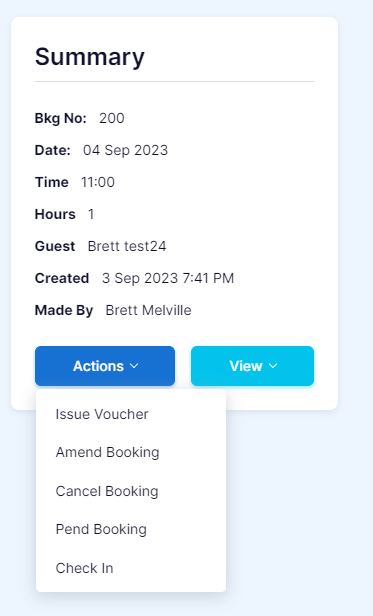
1. Find the booking you want to check-in, click "Actions" button and select "Checkin".
2. Click "Yes".

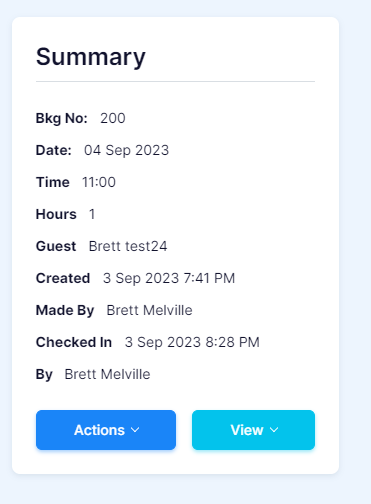
3. The "Summary" will update with the "Checked In" time.