Create stock categories
Last updated: May 9, 2026
Stock categories is used to group your stock added into the system.
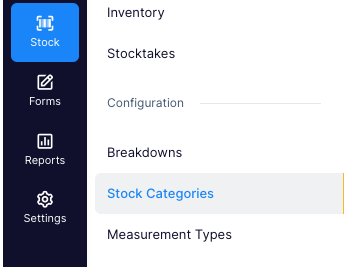
- Go to Stock > Stock Categories
- View your current stock categories or make a new one by clicking ' + New Category'

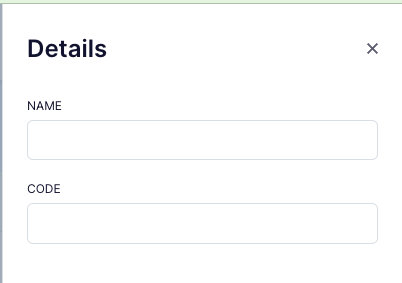
- Add in the name of the category and the code (optional)
- Save your changes