How to unlock a locked account
Last updated: May 9, 2026
When there has been too many failed attempts to log into a VenueSumo account the account will lock.
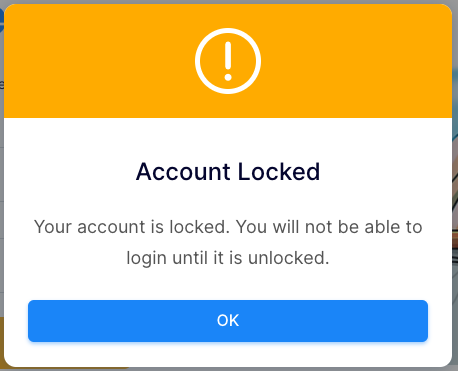
To unlock this, get another staff member to log into the back office.
- Go to Settings > Logins and identify the locked account.

- Click on the '3 dot' symbol on the right hand side.
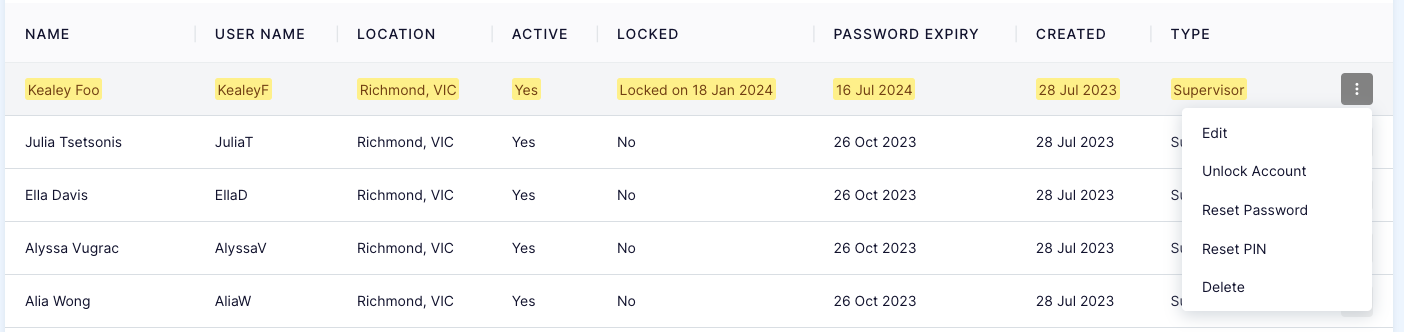
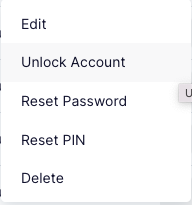
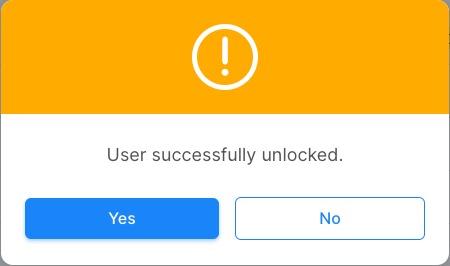
- Click on 'Unlock Account'.
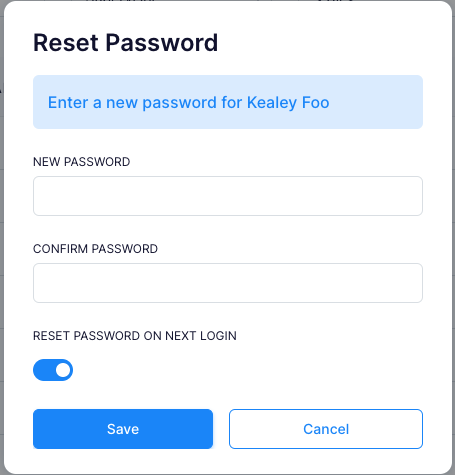
- From here you can also reset the password, temporary password is recomended so the staff member can choose their own password upon first login.