How to resend online booking with the incorrect email address to the correct one
Last updated: May 9, 2026
In this quick guide, we'll show you how to resend your booking confirmation to the correct email address in just a few simple steps. Let's get your booking back on track!
- Identify the booking with the incorrect email address
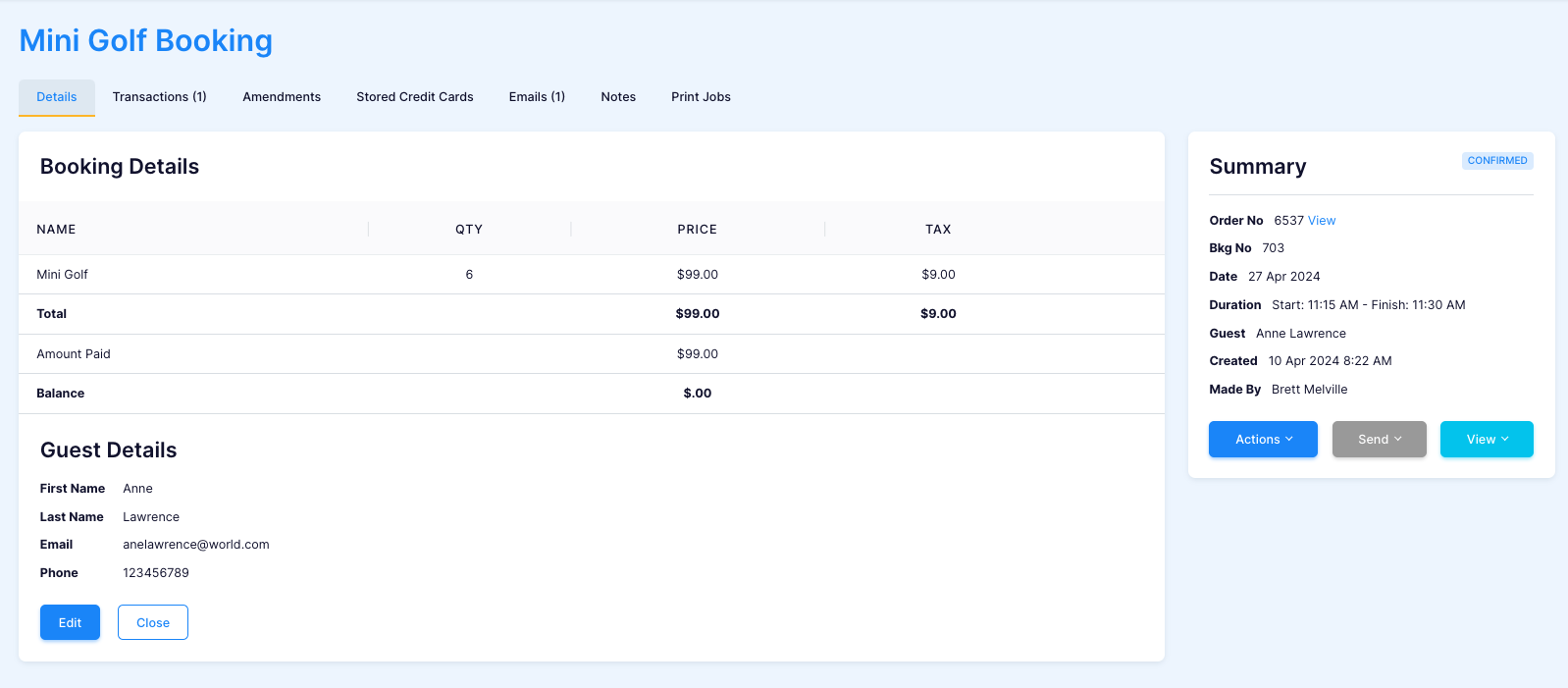
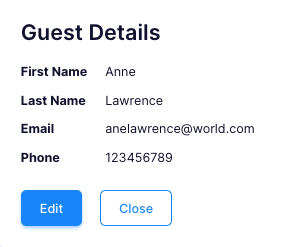
- Click 'Edit Guest Details'
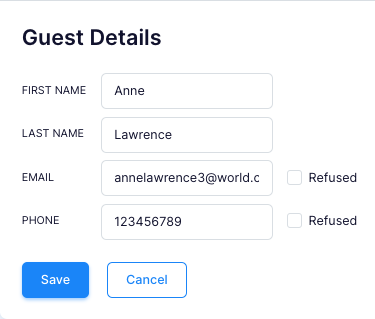
- Edit the 'Guest Details' to the correct email address and click 'Save'.
- In 'Booking Summary' click 'Send'
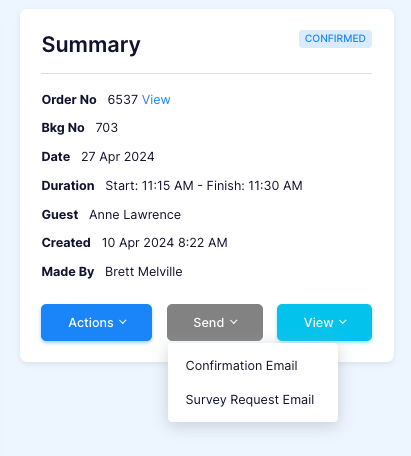
- Select which email you would like to send.
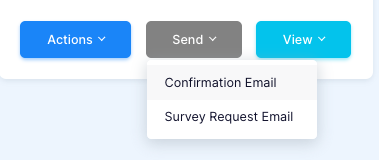
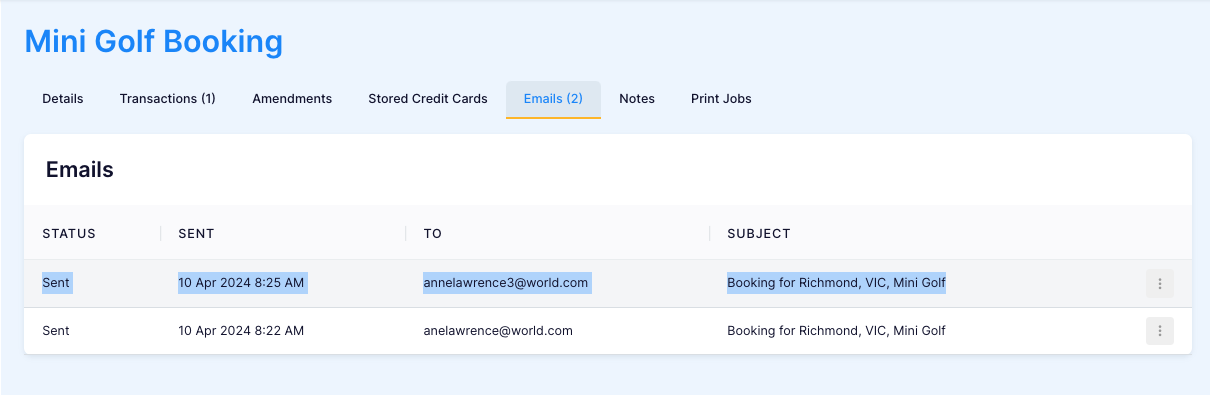
- Check 'Emails Tab' to check it went through.